1
bge(7D)
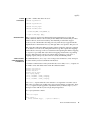
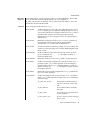
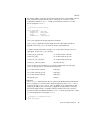
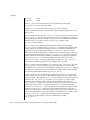
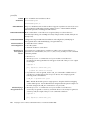
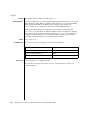
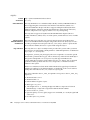
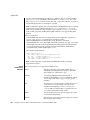
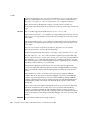
Once in the DL_ATTACHED state, you must send a DL_BIND_REQ to associate a
particular Service Access Point (SAP) with the stream.
CONFIGURATION
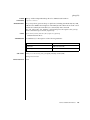
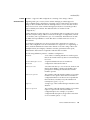
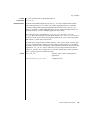
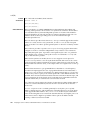
By default, the bge driver performs auto-negotiation to select the link speed and
mode. Link speed and mode can be any one of the following, (as described in the
IEEE803.2 standards):
■
■
■
■
■
■
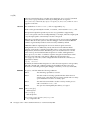
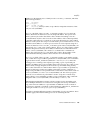
1000 Mbps, full-duplex
1000 Mbps, half-duplex
100 Mbps, full-duplex
100 Mbps, half-duplex
10 Mbps, full-duplex
10 Mbps, half-duplex
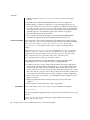
The auto-negotiation protocol automatically selects:
■
■
Speed (1000 Mbps, 100 Mbps, or 10 Mbps)
Operation mode (full-duplex or half-duplex)
as the highest common denominator supported by both link partners. Because the bge
device supports all modes, the effect is to select the highest throughput mode
supported by the other device.
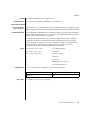
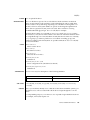
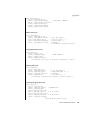
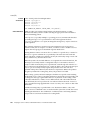
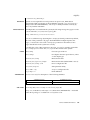
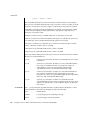
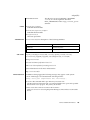
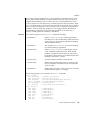
Alternatively, you can set the capabilities advertised by the bge device using ndd(1M).
The driver supports a number of parameters whose names begin with adv_ (see
below). Each of these parameters contains a boolean value that determines whether
the device advertises that mode of operation. In addition, the adv_autoneg_cap
parameter controls whether autonegotiation is performed. If adv_autoneg_cap is set to
0, the driver forces the mode of operation selected by the first non-zero parameter in
priority order as listed below:
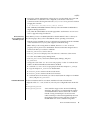
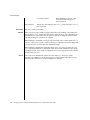
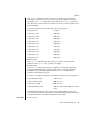
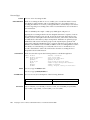
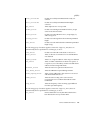
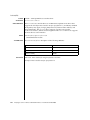
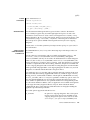
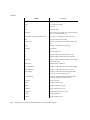
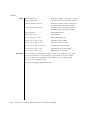
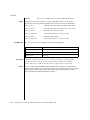
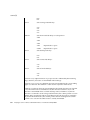
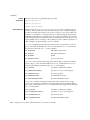
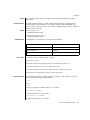
adv_1000fdx_cap
adv_1000hdx_cap
adv_100fdx_cap
adv_100hdx_cap
adv_10fdx_cap
adv_10hdx_cap
(highest priority/greatest throughput)
1000Mbps full duplex
1000Mpbs half duplex
100Mpbs full duplex
100Mpbs half duplex
10Mpbs full duplex
10Mpbs half duplex
(lowest priority/least throughput)
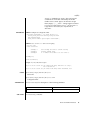
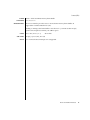
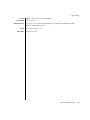
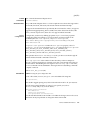
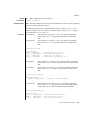
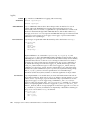
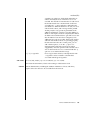
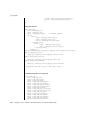
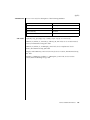
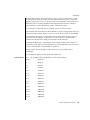
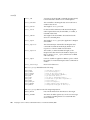
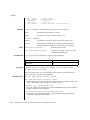
For example, to prevent the device ’bge2’ from advertising gigabit capabilities, enter
(as super-user):
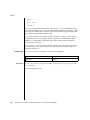
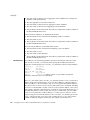
# ndd -set /dev/bge2 adv_1000hdx_cap 0
# ndd -set /dev/bge2 adv_1000fdx_cap 0
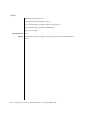
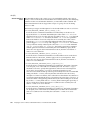
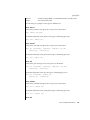
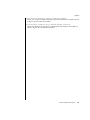
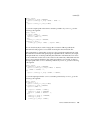
All capabilities default to enabled. Note that changing any capability parameter will
cause the link to go down while the link partners renegotiate the link speed/duplex
using the newly changed capabilities.
66
man pages section 7: Device and Network Interfaces • Last Revised 22 Jun 2002