1
MedServices User Manual Version 5
P a g e | 18
Edit an Appointment
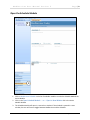
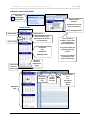
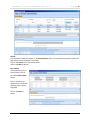
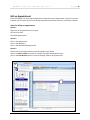
There are 3 options for accessing the Appointment Wizard to edit an appointment. The short cut menu
in Option 1 also contains short cuts to change the Appointment Status, Resource, and Patient Location.
Steps for editing an appointment.
Option 1
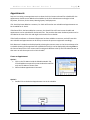
Right click on the appointment to bring up
the short cut menu
Select Edit Appointment
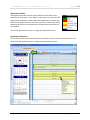
Option 2
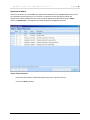
Click on the Appointment
Click on the Edit Menu
Click on the Edit Selected Appointment
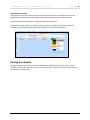
Option 3
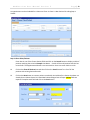
Double click on the appointment to open the Appointment Wizard
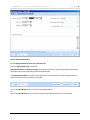
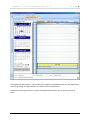
Use the << Back and Next >> buttons to navigate the Appointment Wizard steps.
Click on the Save & Close button to save the changes made to the appointment.
2
1
©DataNet Solutions, Inc. 2009 ● 254 Broad Street SW ● Cleveland, TN 37311 ● www.DataNetSolutions.org ● 423-479-6729