1
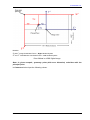
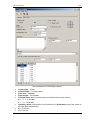
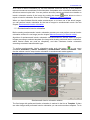
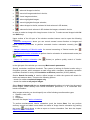
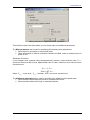
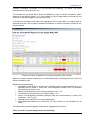
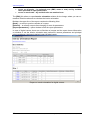
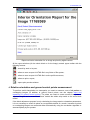
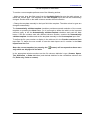
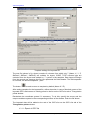
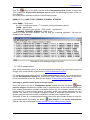
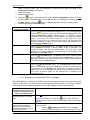
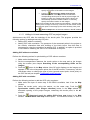
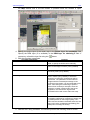
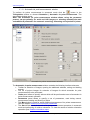
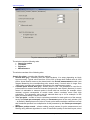
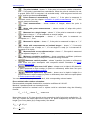
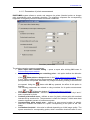
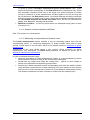
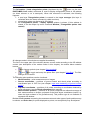
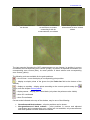
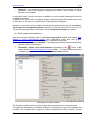
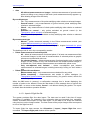
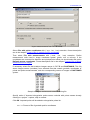
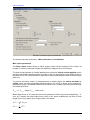
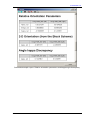
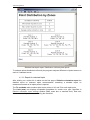
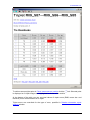
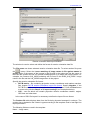
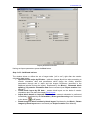
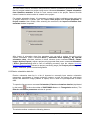
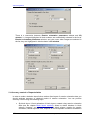
Aerial triangulation 2011 Relative orientation report parameters The window consists of two tabs – Main parameters and Additional. Main report parameters The Show report section allows to define images, which will be analyzed for the report: all images of a block or selected images with addition of adjacent ones if necessary. To check measurements for vertical parallax error select the Check vertical parallax option and input acceptable threshold value (in pixels or mm) for selected error type (RMS, mean or maximal error). It is recommended to reject points with vertical parallax which exceeds image pixel size. To perform accuracy control of measurements in triplets select the Check residuals in triplets option and input acceptable threshold value in XY and Z (in pixels, mm or meters) for selected error type. Acceptable residual for maximal error in triplets could be calculated using the following formula: E max 2 E mean , where E mean - mean error Mean triplet errors in XY plane should not be greater than half of pixel size multiplied by √ 2, error by Z equals the mean triplet errors value in XY plane multiplied by the ratio of focal length (f) to survey basis (b) (in image scale). See below: xy E mean 2 0.5 pxl z E mean 97 f xy E mean b RACURS Co., Ul. Yaroslavskaya, 13-A, office 15, 129366, Moscow, Russia