1
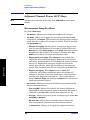
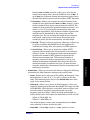
Key Reference
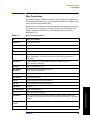
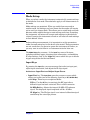
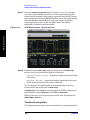
Channel Power Keys
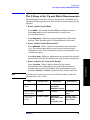
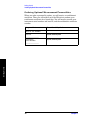
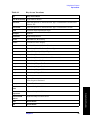
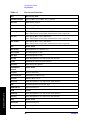
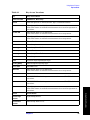
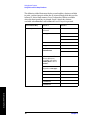
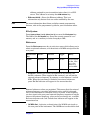
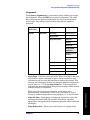
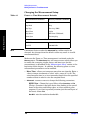
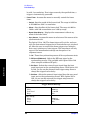
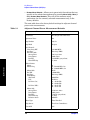
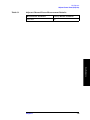
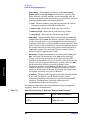
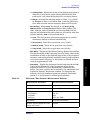
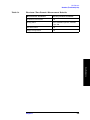
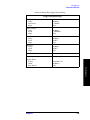
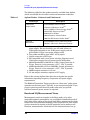
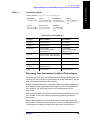
Table 5-2
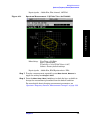
Channel Power Measurement Defaults
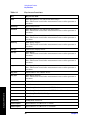
Measurement Parameter
Factory Default Condition
Avg Mode
Repeat
Integ BWa
5.00000 MHz
Chan Power Spana
6.00000 MHz
Advanced
Sweep Time
68.27 µs; Auto
Data Points
2048; Auto
Res BW (grayed out)
27.857 kHz (grayed out)
Trig Source
Free Run (Immediate)
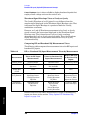
Key Reference
a. The Integ BW setting proportionally changes the Chan Power
Span setting up to 10 MHz.
178
Chapter 5