1
Chapter 2
Creating a Parameter
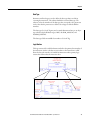
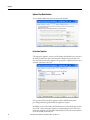
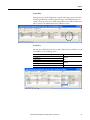
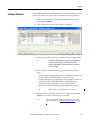
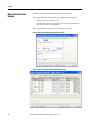
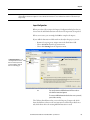
Use the Add-On Instruction Definition Editor to create the parameters for your
instructions. Follow these steps to define the parameters for your instruction.
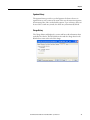
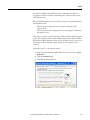
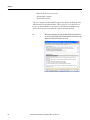
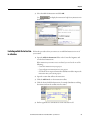
1. In the Controller Organizer, right-click an Add-On Instruction and
choose Open Definition.
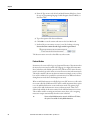
2. Click the Parameters tab and enter a name for a parameter.
3. Define the Usage, based on the type of parameter: Input, Output, InOut.
TIP
An instruction with only Input parameters, except EnableOut, is
treated as an input instruction in a Ladder diagram and is
displayed left-justified. The EnableOut parameter is used for the
rung-out condition.
4. Select a data type, with the following options based on the parameter
usage:
– An Input parameter is passed by value into the Add-On Instruction and
must be a SINT, INT, DINT, REAL, or BOOL data type.
– An Output parameter is passed by value out of the Add-On Instruction
and must be a SINT, INT, DINT, REAL, or BOOL data type.
– An InOut parameter is passed by reference into the Add-On
Instruction and can be any data type including structures and array.
TIP
REAL data types are allowed for 1756-L7xS controllers.
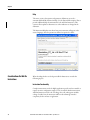
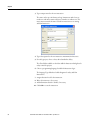
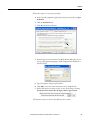
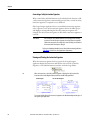
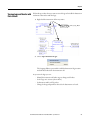
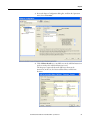
5. If this parameter is intended as an alias for an existing local tag, click the
Alias For menu to choose the local tag or its member.
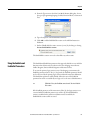
TIP
You can also designate a parameter as an alias for a local tag by
using the Tag Editor. See “Editing Parameters and Local Tags” on page
41.
Rockwell Automation Publication 1756-PM010E-EN-P - September 2012
37