1
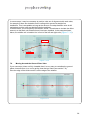
The Configuration Wizard runs at various stages throughout the setup of
the counters. Its primary purpose is to check the settings in each
counter to ensure that they are not configured in a way that renders
them useless or in-accurate.
7.3
Configuring Valid Comms IDs
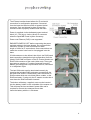
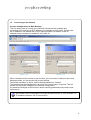
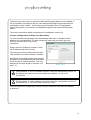
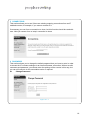
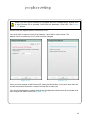
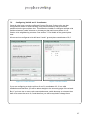
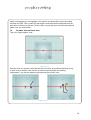
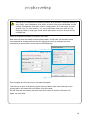
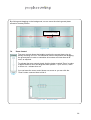
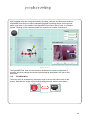
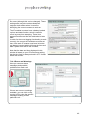
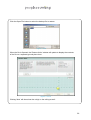
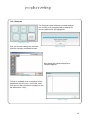
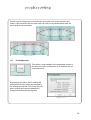
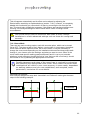
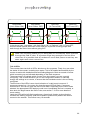
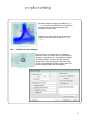
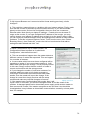
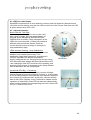
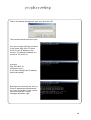
If the connected counter(s) have already been
configured and the settings are valid then the
configuration wizard will report the number of
units found:
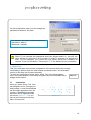
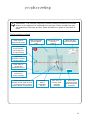
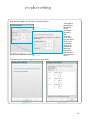
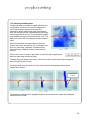
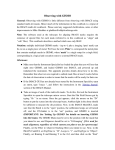
On this first page of the wizard, you can also
specify if the heights and lengths used during
configuration are Metric (centimetres) or Imperial
(inches).
Figure 7.2.1
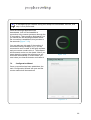
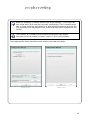
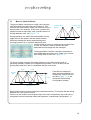
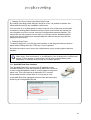
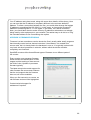
You are also given the option of restoring a
previously saved set of counter
configurations if required. Click Restore if
you want to do this. See section 7.15.2
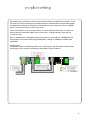
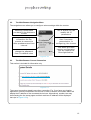
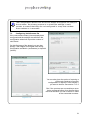
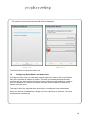
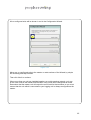
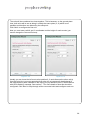
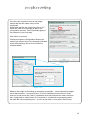
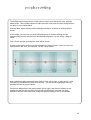
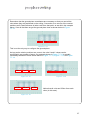
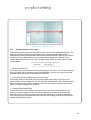
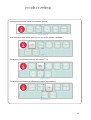
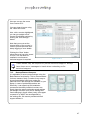
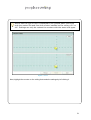
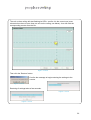
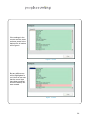
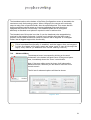
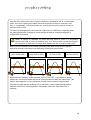
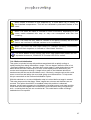
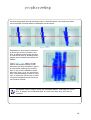
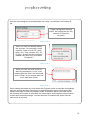
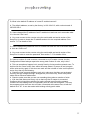
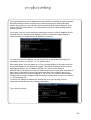
But, if the counters are new and have never
been configured before, then the first thing
that must be done is to set a valid ID in each
of the connected counters:
Figure 7.3.2
21