1
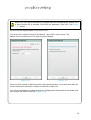
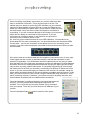
file name (although this can be changed). These
settings also may also make subsequent
engineer visits easier when it comes to
identifying the correct counters to work on.
The IP enabled counters have a battery backed
up time and date function, which is used for
count log entry time stamping. These time
stamped entries can then be retrieved at a later
date.
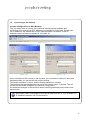
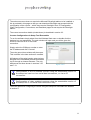
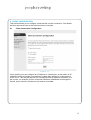
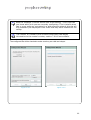
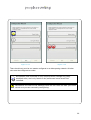
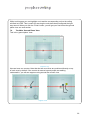
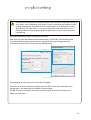
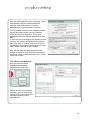
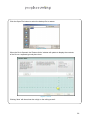
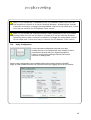
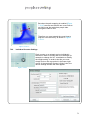
In order for the count logging functionality to work
correctly, the correct time and date must be set
here. Also each IP master must have its button
cell battery inserted which will keep the time and
date if power ever fails to the counters,
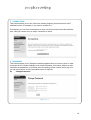
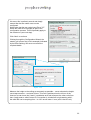
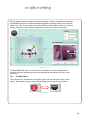
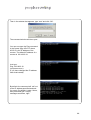
Note that the date and time displayed in this
window is based on your PCs timezone setting,
but the time itself is always stored in UTC format
within the counter.
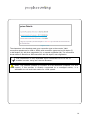
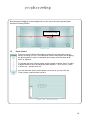
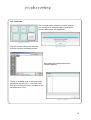
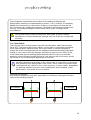
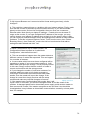
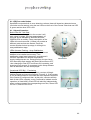
Figure 7.14.3
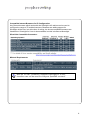
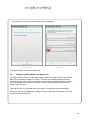
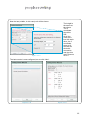
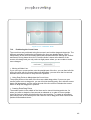
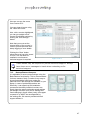
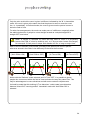
7.14.2 Errors and Warnings
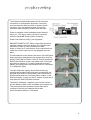
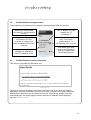
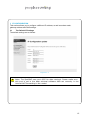
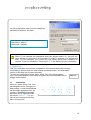
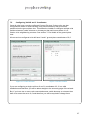
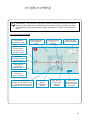
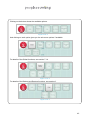
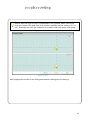
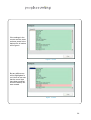
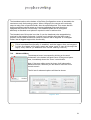
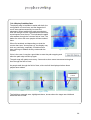
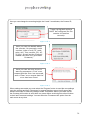
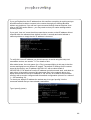
Here you can see status
messages and possible
problems from each unit.
Figure 7.14.5
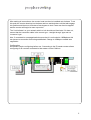
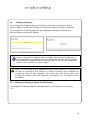
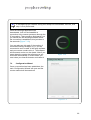
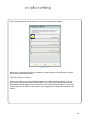
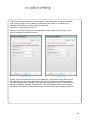
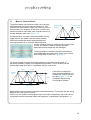
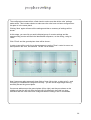
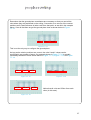
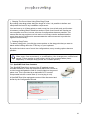
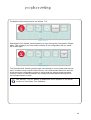
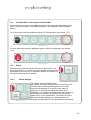
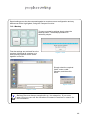
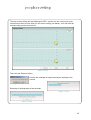
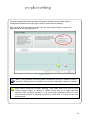
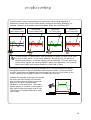
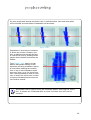
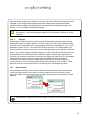
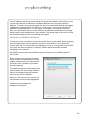
If there are errors or warnings
available, you can click on the
counter’s ID to view the specific
messages relating to that
particular unit…
Figure 7.14.4
46