1
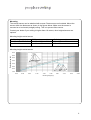
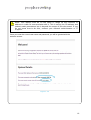
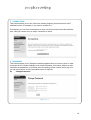
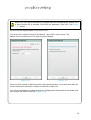
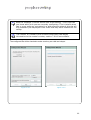
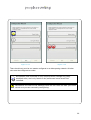
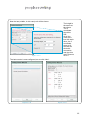
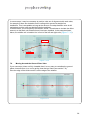
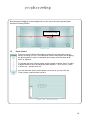
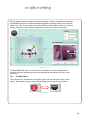
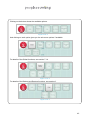
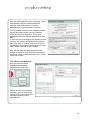
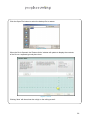
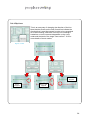
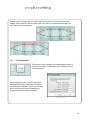
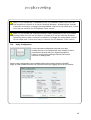
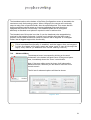
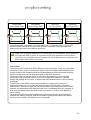
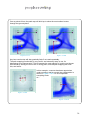
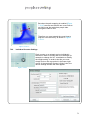
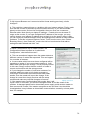
Note: If the ‘Zoom’ slider control is shown it will obscure the ‘Advanced’
button, therefore you will need to close the Zoom control to see it.
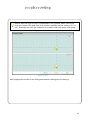
Once the Advanced menu is fully visible, you can still overlay the Zoom
control slider on top if required.
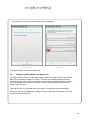
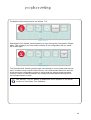
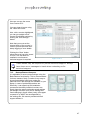
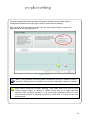
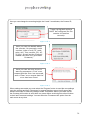
7.19.1 Discrimination Sensitivity
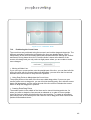
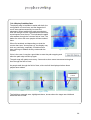
This is all to do with identifying individuals based on the thermal ‘signature’ seen by the
counter. Sometimes a single person can be seen as more than one ‘object’, this is
more likely to happen at very low heights where a person’s arms and legs may be seen
as separate thermal objects. Other times people who walk very close together can be
seen as only one object, this is more likely to happen at very high heights when the
counter may be far enough away from the people to be not able to separate a two
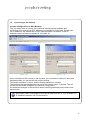
people walking side by side. By adjusting the ‘Discrimination Sensitivity’ slider, you can
affect how the counter groups thermal objects together. If you raise the sensitivity then
the counter is more likely to keep separate any group of targets so that they are
counted separately. It is also more likely to treat a large target as a couple and count
that one target as two people (see section 7.19.2 to turn off this feature manually).
If you lower the sensitivity then the counter is more likely to treat a group of thermal
objects as a single target.
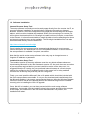
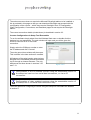
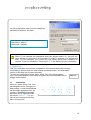
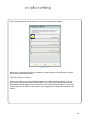
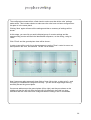
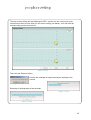
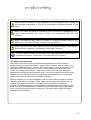
You cannot see the thermal ‘objects’ as seen by the counter. But, you
can see the targets, which are how the counter has interpreted the
objects. Adjusting the
Discrimination sensitivity affects the interpretation behaviour.
You should always perform extensive walk tests at every counter
installation to ensure advanced settings such as these are configured
correctly.
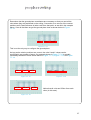
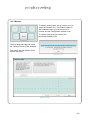
7.19.2 Large Target Couple Counting
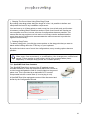
Depending on the Discrimination Sensitivity setting and what the counter is seeing,
occasionally a single target will be counted as two. This is when the counter considers
the target to be two people walking close together – a couple.
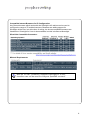
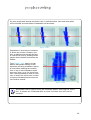
The couple counting algorithm works by comparing the size of a target with an internal
table of sizes that it would expect to see at the installed height. If the target is larger
than expected, and the right shape, then it is deemed to be two people, and will then
generate two count increments if it crosses a line instead of the usual one increment.
62