1
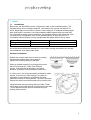
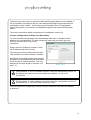
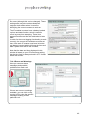
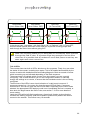
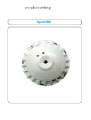
The IP base interface board allows for IP and serial
connection for configuration purposes. If removed
from the base the board must be re-inserted ‘serial
connector’ first, and clipped in place. Ensure the
interface board is properly seated inside the base
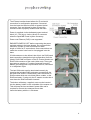
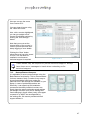
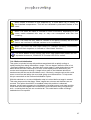
Power is supplied via the dedicated power terminal
block (10 – 28V dc) or via the (silver) IP connector
when the SpotONE Power Injector accessory
Power over Ethernet (PoE) is not supported.
ENSURE POWER IS OFF before connecting the power
and data cables to the base boards. Do not exceed the
maximum number of units and maximum cable
length of 100m for IP connections. Once connections are
made the counter ‘head’ can be ‘hot-plugged’ onto the
base.
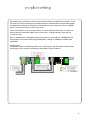
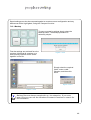
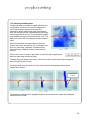
If CAN nodes are to be utilized, then this is via RJ45 patch
lead connections (straight through configuration) from the
(black) RJ45 CAN connector on the IP counter board to an
RJ45 CAN connector of the node (either one). There can
be maximum number of 7 nodes connected to each IP
Master (providing power requirements are met; connected
in a ‘daisychain’ style.
The last CAN node must be terminated correctly by
inserting the included RJ45 terminator connectorinto the
last free RJ45 socket. Consequently, there should be no
RJ45 sockets which do not contain either a cable, or the
RJ45 terminator. If using only the IP master counter then it
must have the RJ45 terminator inserted.
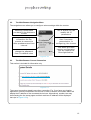
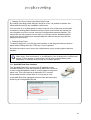
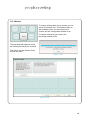
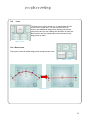
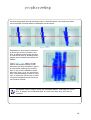
The button cell battery, supplied, must now be inserted
into the battery holder on the underside of the master unit.
This will keep the time and date if power fails and is
required for correct time stamped count data.
Insert the battery with the + side down.
4