1
Configuring Resources
Configuring Resources
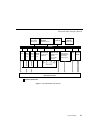
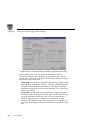
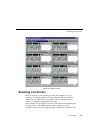
Before you can make use of a Profile application, you must allocate Profile
resources such as video inputs and outputs for its use. These resources are
assigned to channels for use by the application. Once the resources are
allocated, they are unavailable for other applications. You must manage Profile
resources to ensure that each application is able to use the required resources
when it needs them.
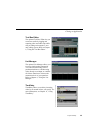
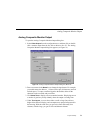
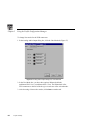
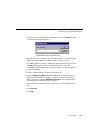
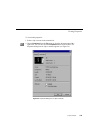
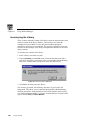
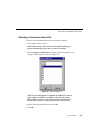
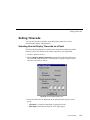
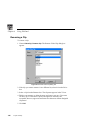
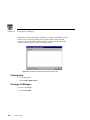
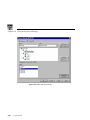
To gain access to Resource Manager and configure Profile resources:
• In Tool Box Editor choose Config | Resources.
• In List Manager choose Project | Configure.
• In TimeDelay choose Config | Resource Manager.
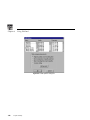
The Resource Manager is available when an application is running, unless
media is loaded on a timeline.
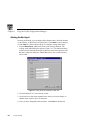
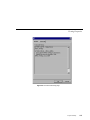
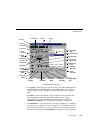
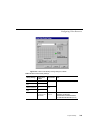
Assigning Profile Channels
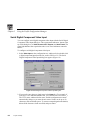
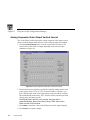
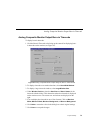
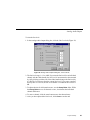
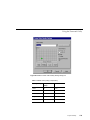
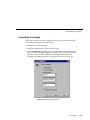
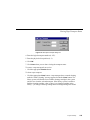
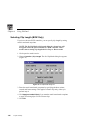
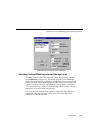
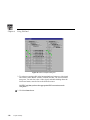
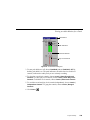
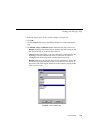
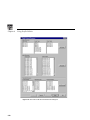
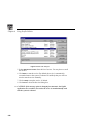
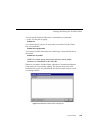
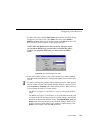
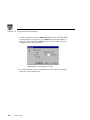
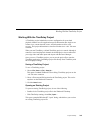
Your first step is to acquire one or more Profile channels. The single channel
tab labeled Channel A is the default. You can change the name of the channel
by entering a new name in the Name text box. Channel names can have up to
32 characters, but a shorter name is recommended for readability.
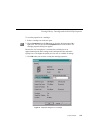
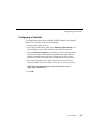
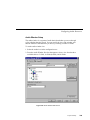
Depending on your system, you can configure channels up to a limit set by the
application; however, some systems only have two channels (ports). To add a
channel, click the Add Channel button. To remove a channel, click the
Remove Channel button. One channel is always visible.
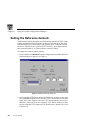
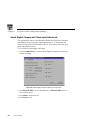
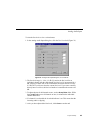
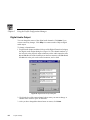
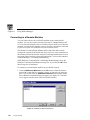
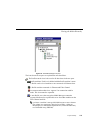
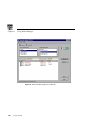
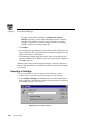
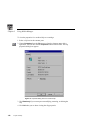
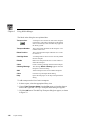
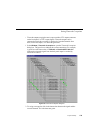
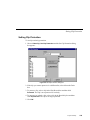
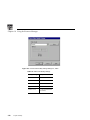
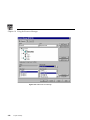
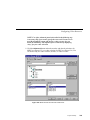
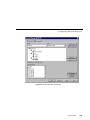
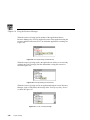
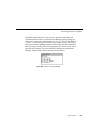
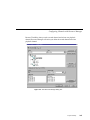
A resource such as a video input is available when the checkbox next to its
name is empty and its name is in dark print. If the resource is in use, its name
is dimmed. If it is in conflict, that is, in use by another application or channel,
its name appears in red. If it is requested, the checkbox next to its name is
marked.
Profile Family
315