1
Analog Composite Monitor Output Burn-in Timecode
Analog Composite Monitor Output Burn-in Timecode
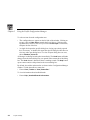
To display burn-in timecode:
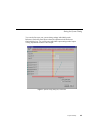
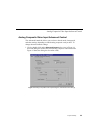
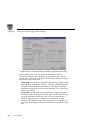
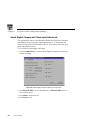
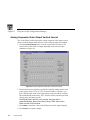
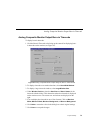
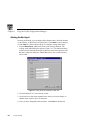
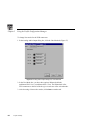
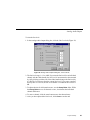
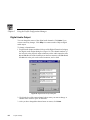
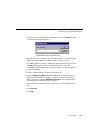
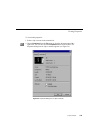
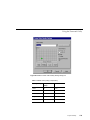
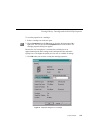
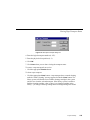
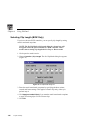
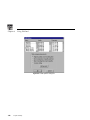
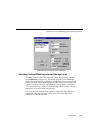
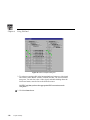
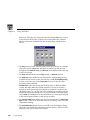
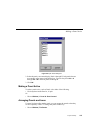
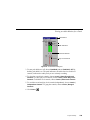
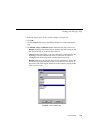
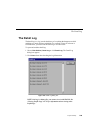
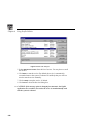
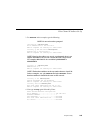
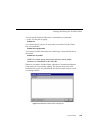
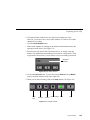
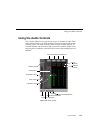
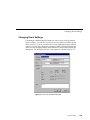
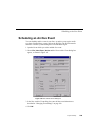
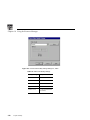
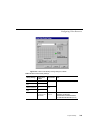
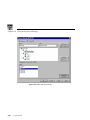
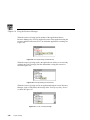
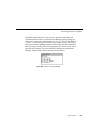
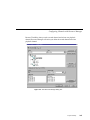
1. Click the Burn-in Timecode tab to bring up the controls for displaying burnin timecode on the monitor (see Figure 24).
Figure 24. Analog Composite Monitor Output dialog box, Burn-in Timecode tab
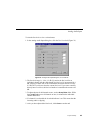
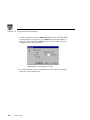
2. To display timecode on an attached monitor, select Show/Hide Window.
3. To display a large timecode window, select Large Window Size.
4. Under Window Position, select the Start Row and Start Column for the
timecode with the sliders. This determines where the timecode is displayed
on the monitor screen. The current row and column are displayed on the
right.
5. You can display the timecode in one of four formats. Click on Black on
White, White on Black, Black on Background, or White on Background.
6. Click Undo to return the values in the dialog box to their original settings.
7. Click Close to accept the changes.
Profile Family
73