1
User Guide – Using the Firefighter Response System
eNotify Groups
eNotify groups are designed to group department personnel so you can send a message quickly by selecting that group when creating
a message.
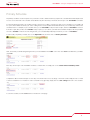
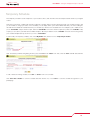
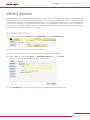
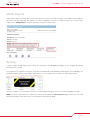
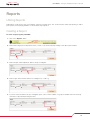
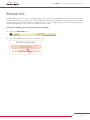
To create or edit a eNotify group, click on “eNotify Groups”
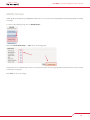
Click either “Create New Group” or “edit” next to an existing groups.
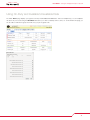
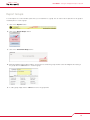
Check the box for each member that you want to receive the message for the selected group and uncheck the box for those who should
not be a part of the group.
Click “Save” to save your changes.
14