1
PURCHASE ORDER CYCLE
A purchase order goes through four basic steps in
its life.
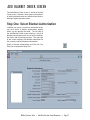
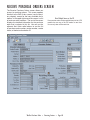
Step One: Add Requisitions and Orders
Typically, you will create a requisition and pass it on
for approval. If you have the authority to do so, you
can also create a purchase order without sending it
through the requisition approval process first.
You should create a requisition or purchase order
as soon as the need for it arises. When you enter
the data into the program, Purchase Order gives
you a PO number, which you can provide to your
vendor to simplify the transaction process.
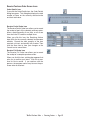
Step Two: Approval
Once you’ve created a requisition, a supervisor
needs to approve it, at which point it becomes a
purchase order. If you have supervisor authority,
you can create purchase orders without creating
them as requisitions first.
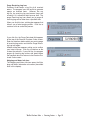
Step Three: Editing
Between the time you send the purchase order to
the vendor and the time you receive the items from
the vendor, you may need to edit the purchase
order several times. This can include entering shipping data, deleting items if the vendor didn’t have
them in stock, adding items if a last-minute need
arose, or changing minor details of the order.
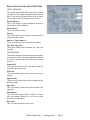
Step Four: Receiving
As the items that you have ordered are delivered,
record them as received.
WinTen Purchase Order • Purchase Order Cycle • Page 15