Download Operation Instructions
Transcript
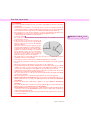
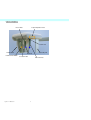
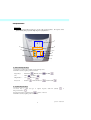
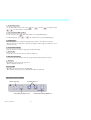
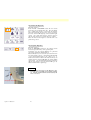
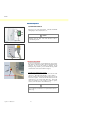
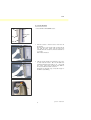
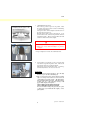
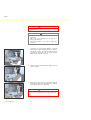
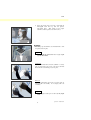
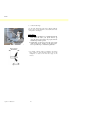
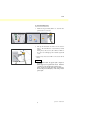
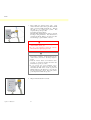
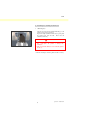
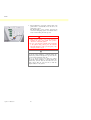
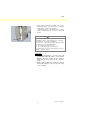
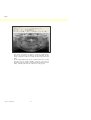
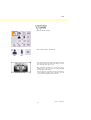
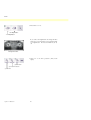
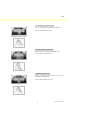
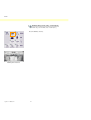
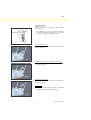
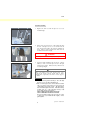
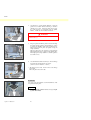
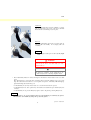
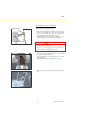
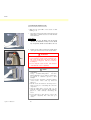
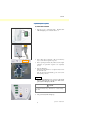
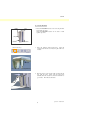
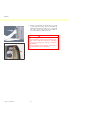
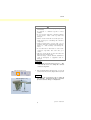
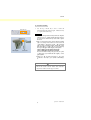
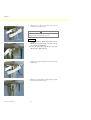
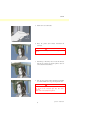
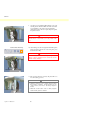
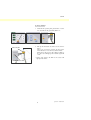
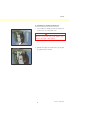
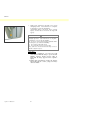
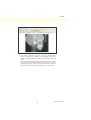
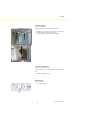
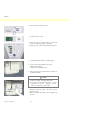
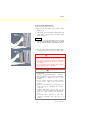
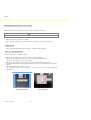
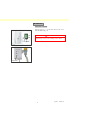
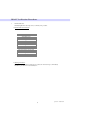
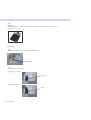
PAN Attachment To attach the Head Band, hold the stabilizer rod steady with one hand, line up the notch on the end of the Head Band with the rod and firmly press it into place. Removal To take the Head Band off, hold the rod steady with one hand and pull it off carefully. Do not simply yank it off forcefully. Usage Note ♦ Do not apply excessive force to the rods; they might break. WARNING The laser beams could cause eye damage. Do not look directly into them or let them strike you or the patient in the eye. NOTE Warn the patient not to move during emission (while the melody is sounding). If the patient moves, he could be hit by the arm or the image might be ruined. * The “Double-Ready Function” reduces the length of time that the emission button needs to be held down. Press the Ready key a second time after completing patient positioning in Ready mode; a two-toned beep will sound and the arm will move to its exposure start position. The Ready LED will light up again and the Image layer beam will go out. * In Double Ready mode, X-ray emission starts as soon as the emission button is pressed. * In Double Ready mode, other operation keys and switches are disabled except for the Ready key and Lift keys. * In Double Ready mode, press the Ready key again to return to the patient positioning Ready mode. Usage Note ♦ If the patient moves out of position after the unit is set for Double Ready, press the Ready key again to return the unit to its normal Ready setting and re-position the patient. 47 Operation 2007-09-19