Download Operation Instructions

Transcript
Cephalo Exposure
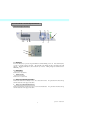
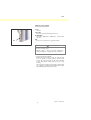
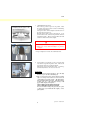
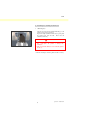
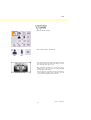
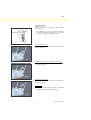
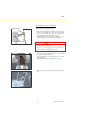
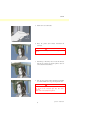
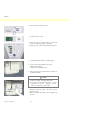
24. X-ray Head changeover
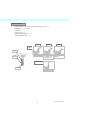
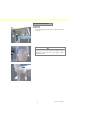
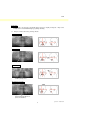
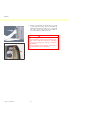
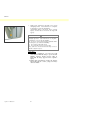
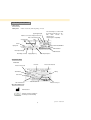
Close the panorama temple stabilizers. Press either LA or PA cephalo and then the Ready key.
Make sure the X-ray head turns around and that it and the arm automatically go into their cephalo
positions.
Make the above operation is not performed when the panorama temple stabilizers are open even if the
cephalo and Ready keys are pressed.
Repeat each procedure 3 times.
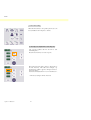
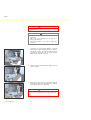
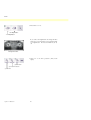
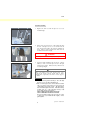
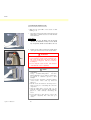
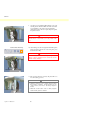
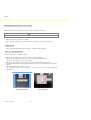
25. X-ray emission and image read-in
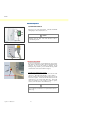
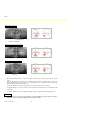
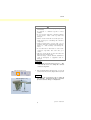
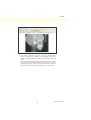
Make an X-ray exposure of a test piece and check the resulting image in the computer monitor.
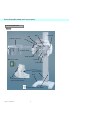
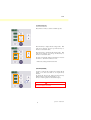
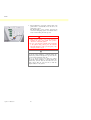
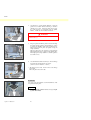
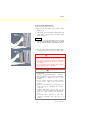
26. Craniostat Movement
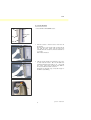
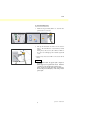
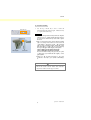
Move the craniostat up and down with the up and down keys. Make sure it moves smoothly and
stops accurately. Repeat 3 times.
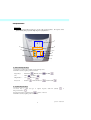
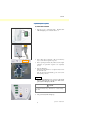
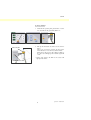
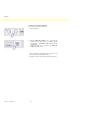
27. Cassette Holder and Secondary Slit
Press the Start Position key and the patient Entrance and Egress key and make sure the cassette holder
and secondary slit move smoothly and stop accurately.
Repeat 3 times.
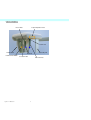
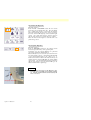
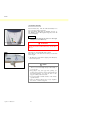
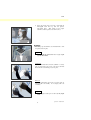
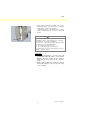
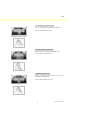
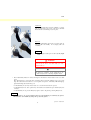
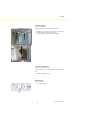
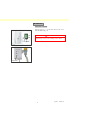
28. Craniostat
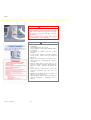
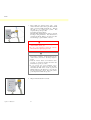
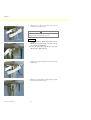
Grip the ear rod plates at their base with both hands and make sure they open and close smoothly and
go securely into position.
Grip the nasion retainer at the base and make sure it moves to the left and right and up and down
smoothly and goes securely into position.
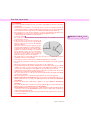
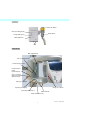
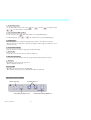
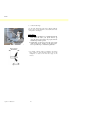
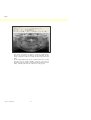
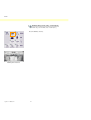
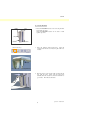
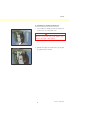
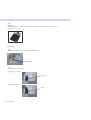
29. Light Beam
Make sure the Frankfort plane cephalo light beam can be turned on and off with its switch.
30. Cephalo Emergency Stop
Release the emission button while the cassette holder and secondary slit are moving and make sure
they stop.
75
Operation
2007-09-19