1
CEPH
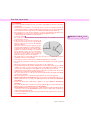
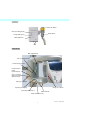
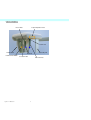
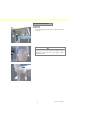
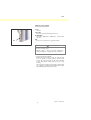
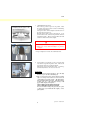
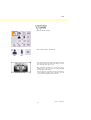
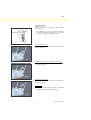
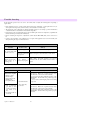
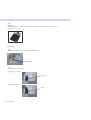
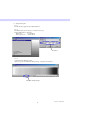
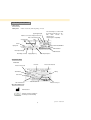
(2) Cassette Insertion
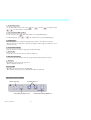
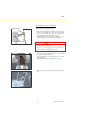
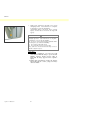
Button
Rod
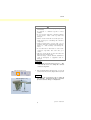
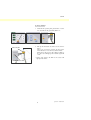
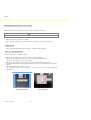
* Insert the PAN/CEPH cassette, used for both panorama
and cephalo exposures.
Only the PAN/CEPH cassette can be used to make
cephalo exposures.
Grip
LED
Detector Side
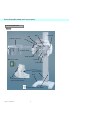
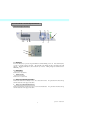
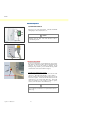
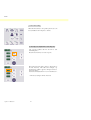
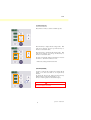
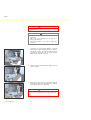
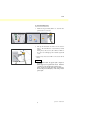
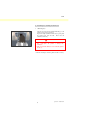
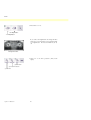
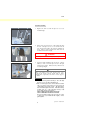
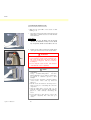
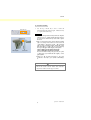
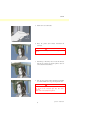
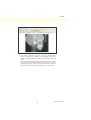
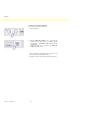
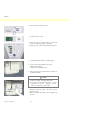
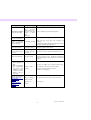
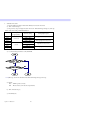
1. Press the Cephalo Start Position Key. Both the
cassette holder and the secondary slit plate will move
forward.
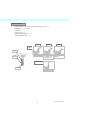
Start Position Key
Craniostat
Cassette Holder
Secondary Slit Plane
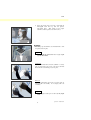
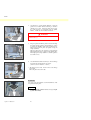
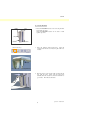
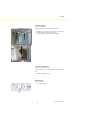
Rod
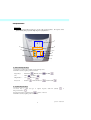
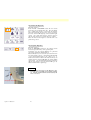
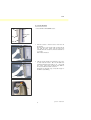
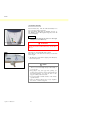
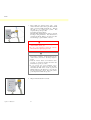
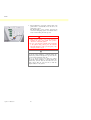
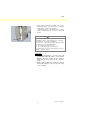
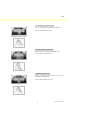
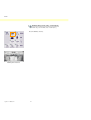
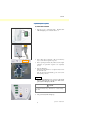
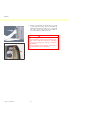
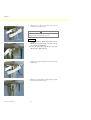
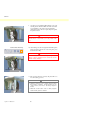
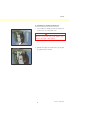
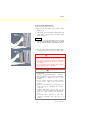
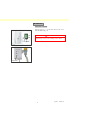
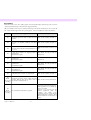
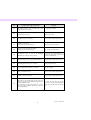
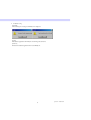
2. Hold the bottom of the cassette with one hand and the
grip with the other. Push down the button and
carefully slide the cassette into the holder until the rod
goes inside. Then release the button.
Button
Cassette Holder
53
Operation
2007-09-19