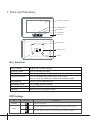
1
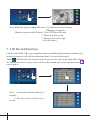
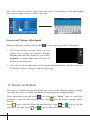
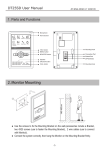
145~160 cm
2. Monitor Mounting
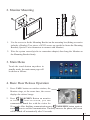
1. Use the screws to fix the Mounting Bracket on the mounting box.(fitting accesories
includes a Bracket (Two pieces of 4X25 screws are needed to fasten the Mounting
Bracket), Special 2 wire connectors to connect with Monitor)
2. Wire the system correctly(refer to connection chapter) then hang the Monitor on
the Mounting Bracket firmly.
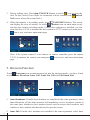
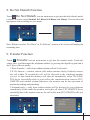
3. Main Menu
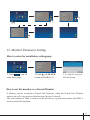
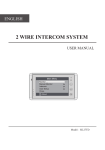
Touch the touch button anywhere in
standby mode, the main menu page will
be shown as follows:
4. Basic Door Release Operation
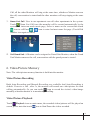
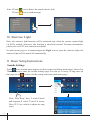
1. Press CALL button on outdoor station, the
Monitor rings, at the same time, the screen
displays the visitors' image.
It will display the
call source string
00:30 Front Door
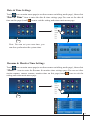
2. Press
TALK/MON Button on monitor
or touch
icon on screen, you can
communicate hands free with the visitor for
90 seconds.After finishing communication,press
TALK/MON button again or
touch
icon to end the communication. If nobody answers the phone, the screen
will be turned off automatically after 30 seconds.
-2-