1
SATEL
1.2.6
INT-TSG
7
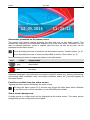
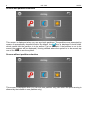
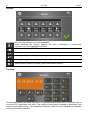
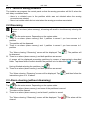
“Alarm clearing / Disarming” screen
The “Alarm clearing / Disarming” screen will be displayed after you tap the
icon on the
main screen, when there is an alarm (alarm memory) and at least one partition is armed.
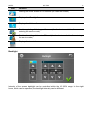
Icon
Function
Enables alarm clearing.
Enables disarming.
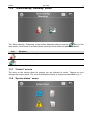
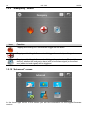
1.2.7 “Control” screen
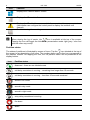
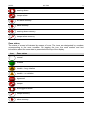
The icons on the screen show the outputs you are allowed to control. Tapping an icon
changes the output status. The icons illustrating the status of outputs are described on p. 3.
1.2.8 “System status” screen