1
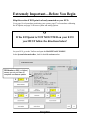
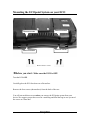
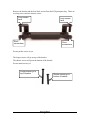
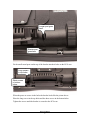
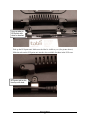
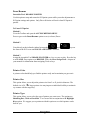
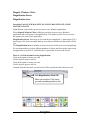
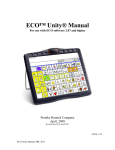
Extremely Important—Before You Begin Skip this section if ECOpoint is already mounted on your ECO. Go to page 14 to learn about positioning your system; page 27 to learn about calibrating the ECOpoint; and page 29 for more system and setting options. If the ECOpoint is NOT MOUNTED on your ECO you MUST follow the directions below! On your ECO, go to the Toolbox and open the MAINTENANCE MENU. In the System Information Box, look for the OS version number. OS Version = 6.01 (or higher) means you do not have to complete a software update. ECOpoint Manual 5