1
FINANCIAL ACCOUNTING SYSTEM
USER MANUAL
6.13 Find User of Voucher Entry
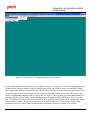
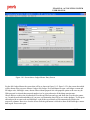
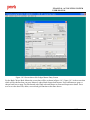
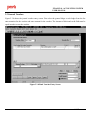
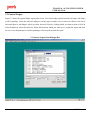
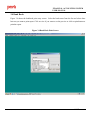
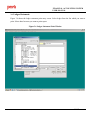
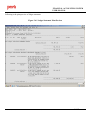
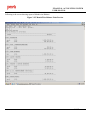
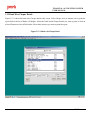
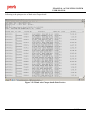
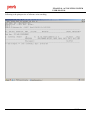
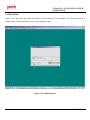
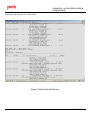
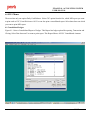
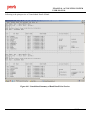
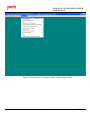
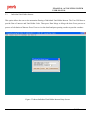
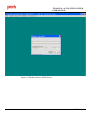
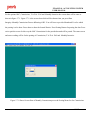
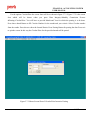
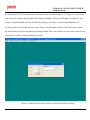
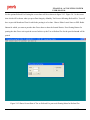
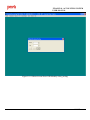
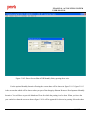
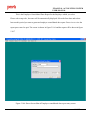
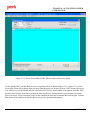
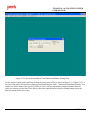
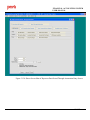
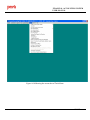
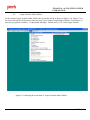
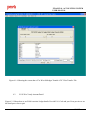
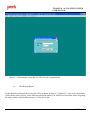
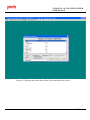
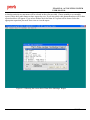
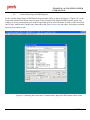
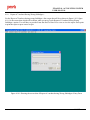
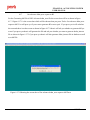
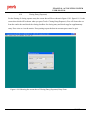
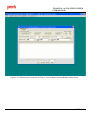
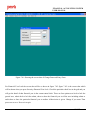
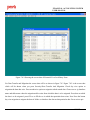
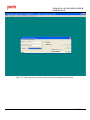
For the Find User of Voucher Entry the screen shot will be as shown in figure 6.13.1 figure 6.13.1 is the screen
shot which will be shown when you press Tools> Find User of Voucher Entry option. You will have to provide
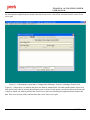
date , voucher number , csc code, and voucher type like cash , bank or jv. Press generate report to view the report
in grid.
Figure 6.13.1 Showing the screen shot of Find User of Voucher Entry Form
PACL India Ltd.
Confidential
143/157