1
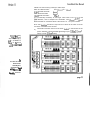
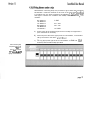
You can flash through the rack b y setting the rotary pot to a level, then
key repeatedly, to advance to the next dimmer. When you d o
this, the previously used dimmer will go out, and only the currently selected dimmer will be set to the level on the pot.
Note that levels set in this way are lost as soon as dimmer mode is exited.
A full explanation of dimmer profiles is given in section 6.8.
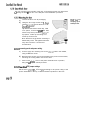
To view or change dimmer profile settings:
a)
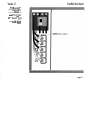
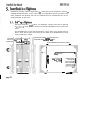
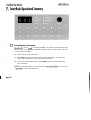
Press dimmer to enter dimmer mode. The dimmer LED is lit.
b)
Select one or all dimmers, using the
C)
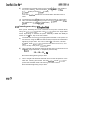
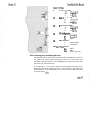
Press profile to enter profile mode. The profile LED is lit, and the profile for the selected dimmer(s) is displayed.
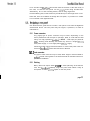
d) Select a new profile, using the A and V keys. The enter LED flashes,
indicating that the profile displayed is not that recorded for the selecte d dimmer(s).
e)
Press enter to record or dimmer to return to dimmer mode without
changing the profile setting.
For a full explanation of Response Speed settings, see section 6.9.
To view or change response speed settings:
,
page 48
a)
Press dimmer to enter dimmer mode. The dimmer LED is lit.
b)
Select one or all dimmers, using the A and
c)
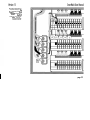
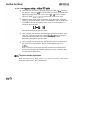
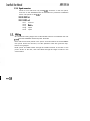
Press speed to enter response speed mode. The speed LED is lit, and
the response speed for the selected dimmer(s) is displayed.
V
keys.