1
AIP-0800-801-EUM
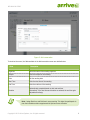
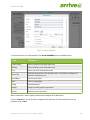
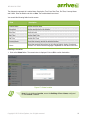
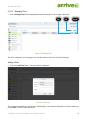
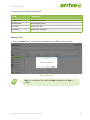
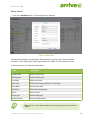
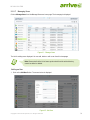
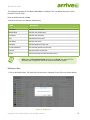
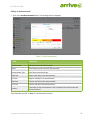
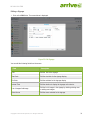
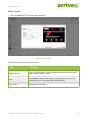
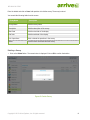
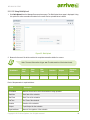
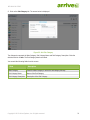
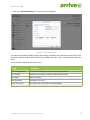
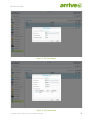
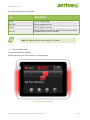
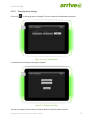
To minimize errors, the fields are detailed below.
Field
Description
Location Name
Add the location name.
Building Name
Add the building name.
Floor Name
Add the floor name.
Description
Add the floor description.
Deleting a Floor
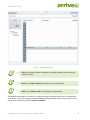
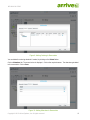
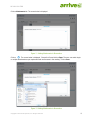
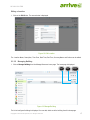
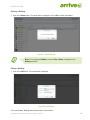
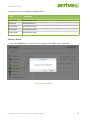
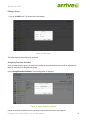
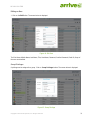
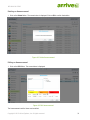
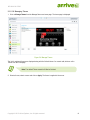
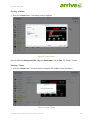
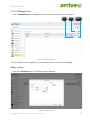
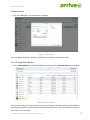
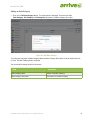
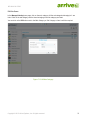
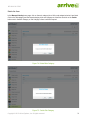
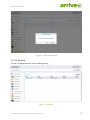
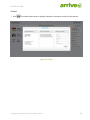
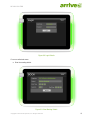
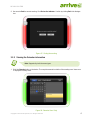
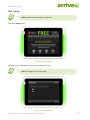
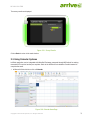
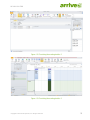
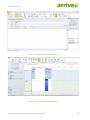
1. Click on the Delete Button. The screen below is displayed. Click on OK to confirm the deletion.
Figure 25: Delete Floor
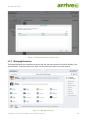
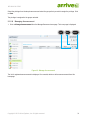
Note: Prior to deleting a Floor, ensure the Venue, configured for the Floor is
deleted.
Copyright © 2013 Arrive Systems, Inc. All rights reserved.
21