1
AIP-0800-801-EUM
2.2 Using the Device
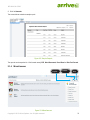
You can access the application from a InfoPoint device (Arrive InfoPoint™ ID 800) placed outside the room to
make the necessary reservation, view the calendar, add notes, and view the venue information.
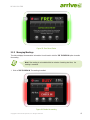
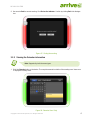
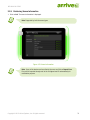
Based on the venue type selected( meeting room or class room), the user interface supported by the device will
vary slightly. Both the interfaces are depicted below.
2.2.1 Booking a Room
Note: Supported if the venue type is a meeting room.
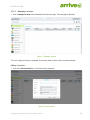
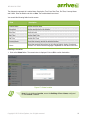
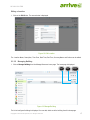
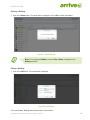
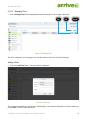
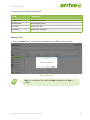
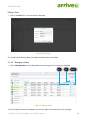
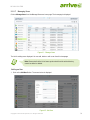
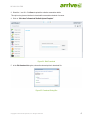
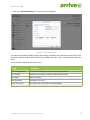
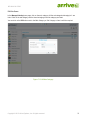
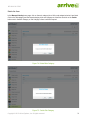
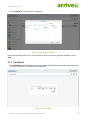
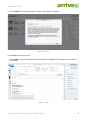
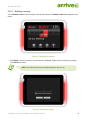
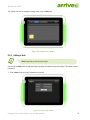
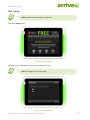
1. Click on the Book button. The home page is displayed.
For an authorized venue:
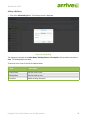
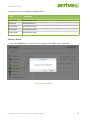
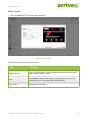
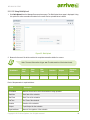
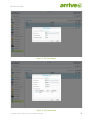
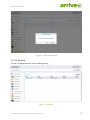
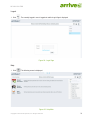
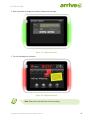
a. Please enter the login credentials to proceed. Note that the login details are registered as Organizer
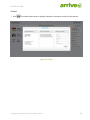
details. After successful login, enter the meeting details.
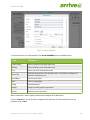
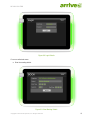
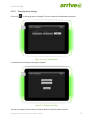
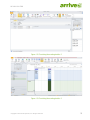
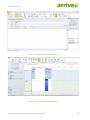
Figure 89: Login
Copyright © 2013 Arrive Systems, Inc. All rights reserved.
62