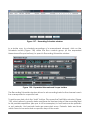
1
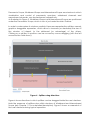
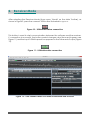
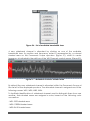
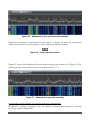
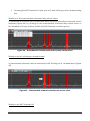
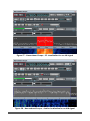
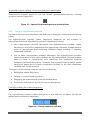
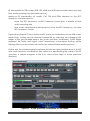
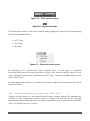
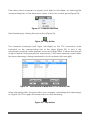
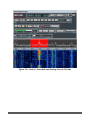
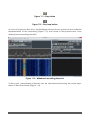
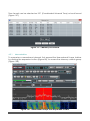
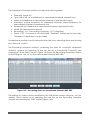
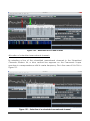
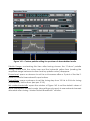
Figure 20 - Panoramic Scope spectrum
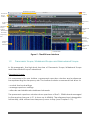
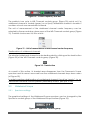
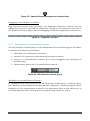
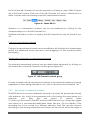
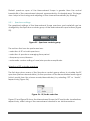
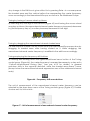
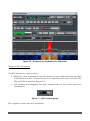
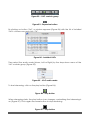
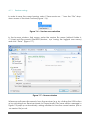
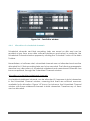
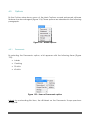
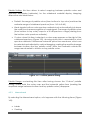
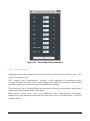
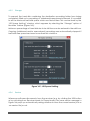
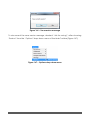
Buttons for zoom/dezoom are shown in Figure 21 and are positioned within the
Spectrum controls group of the Panoramic Scope toolbar.
Figure 21 - Spectrum zoom/dezoom buttons
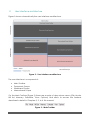
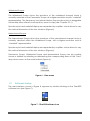
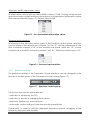
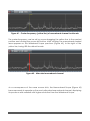
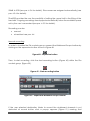
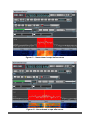
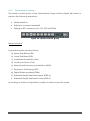
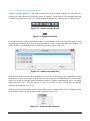
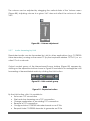
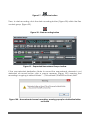
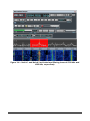
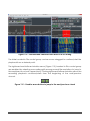
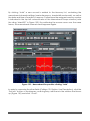
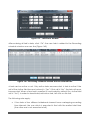
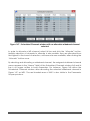
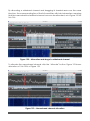
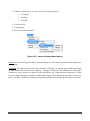
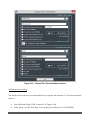
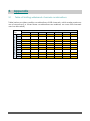
Figure 22 shows the Panoramic Scope after zooming the spectrum of Figure 20, by
clicking on the zoom button (the one marked with a “+”).
Figure 22 - Panoramic Scope after horizontal zoom
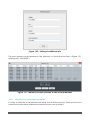
Automatic custom setting of max/min spectrum amplitudes
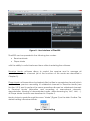
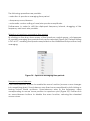
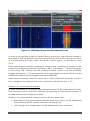
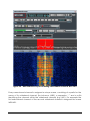
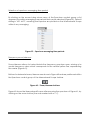
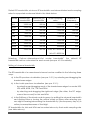
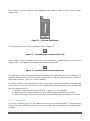
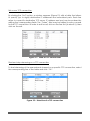
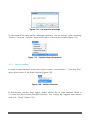
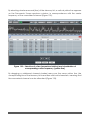
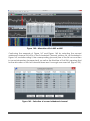
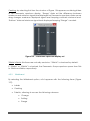
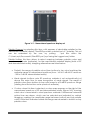
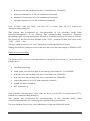
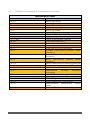
Panoramic spectrum can be resized upward/downward by clicking up/down
arrows (Figure 23).
Figure 23 – Upward/downward spectrum resize buttons
Dragging of the frequency axis bar
TitanSDR – User Manual
15