1
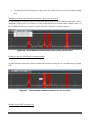
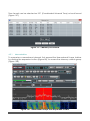
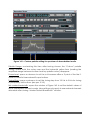
Memory settings are modified also in the Memory List, but changes are not yet saved
on disk. In order to save changes applying to a specific narrowband channel, click
the “Update” button of its Memory controls group.
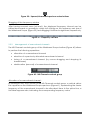
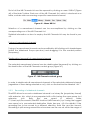
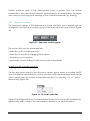
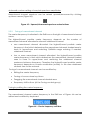
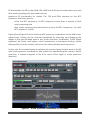
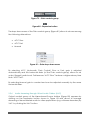
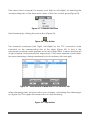
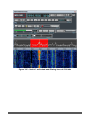
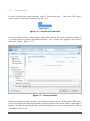
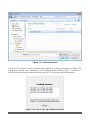
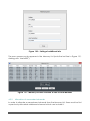
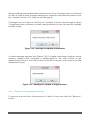
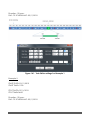
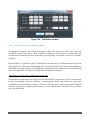
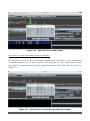
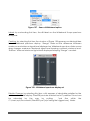
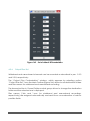
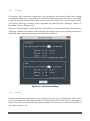
If changes are not saved on disk (by the “Update” button), the message in Figure
134 appears when software is closed, asking whether to save all memory changes
possibly made.
Figure 134 – Message for update of memories
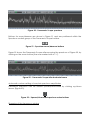
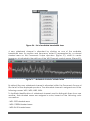
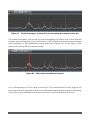
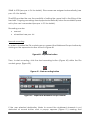
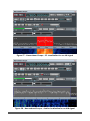
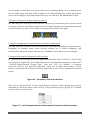
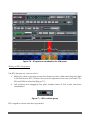
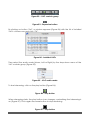
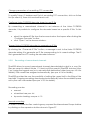
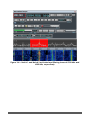
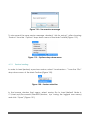
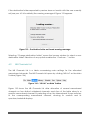
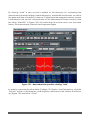
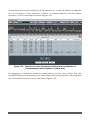
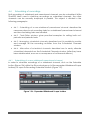
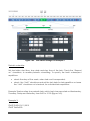
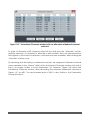
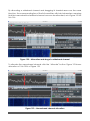
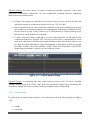
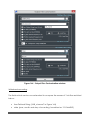
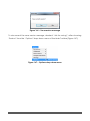
A similar message appears also (Figure 135) if a single memorized channel, whose
memory settings have changed, is deallocated by the trash button of the
Narrowband Scope or the trash button of the NB Channels controls group (of the
Wideband Scope).
Figure 135 – Message for update of single memory
4.3.4
Removal of memorized channels
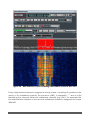
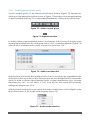
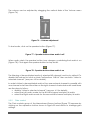
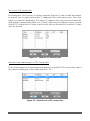
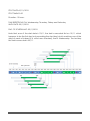
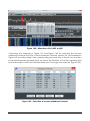
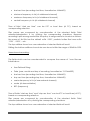
To remove a record from the Memory List, select its line and click the “Remove”
button.
TitanSDR – User Manual
69