1
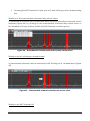
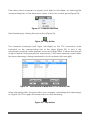
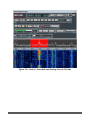
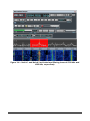
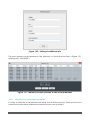
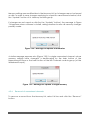
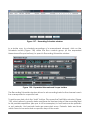
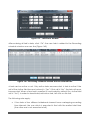
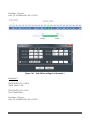
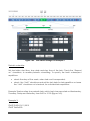
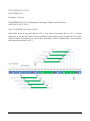
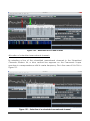
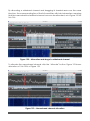
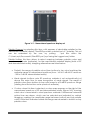
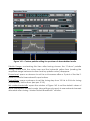
Figure 142 - Task Editor settings for Example 2 Periodic schedule: Set start date, start time, stop date and stop time of the task. Check the “Repeat on” checkbox, to enable periodic scheduling. To specify the task’s subsequent repetitions: check the days of the week, when task must be repeated; check the “Until” checkbox and set the last date for task repetition or leave the “Until” checkbox not checked, for unlimited task repetitions. Example 3 below refers to a periodic task, which has to be executed on Wednesday, Thursday, Friday and Saturday, from 8:00 to 21:00 (Figure 143). Example 3: START DATE=10/11/2012 START TIME=8:00 TitanSDR – User Manual 75