1
4.5.5
Storage
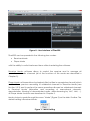
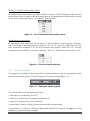
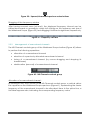
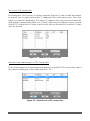
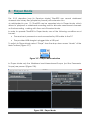
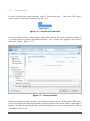
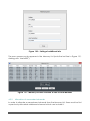
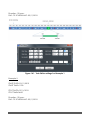
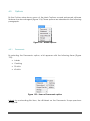
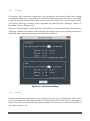
To prevent the hard disk containing the destination recording folder from being
completely filled up by recording of wideband/narrowband channels, it is possible
to set the minimum hard disk space which must be left free. This can be done by the
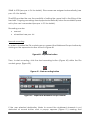
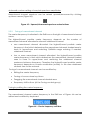
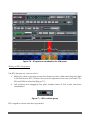
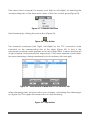
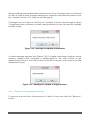
“HD Space Limiting” window, which appears by selecting the “Storage” option of
the Main Toolbar (Figure 165).
Minimum percentage of hard disk size to be left free can be entered in the edit box.
Ongoing (wideband and/or narrowband) recordings are automatically stopped if
hard disk free space becomes lower than this minimum.
Figure 165 - HD Space Limiting
4.5.6
Session
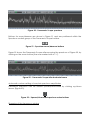
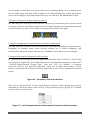
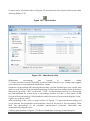
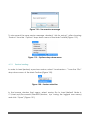
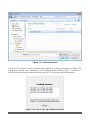
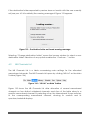
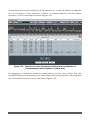
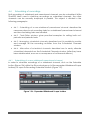
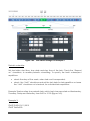
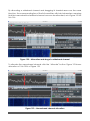
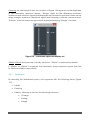
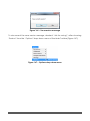
Whenever software disconnects from the receiver (e.g. by clicking the USB button
or by switching from Receiver Mode to Player Mode), the save session message in
Figure 166 pops up automatically asking whether to save the current session (into a
.ssn session file) or not.
TitanSDR – User Manual
94