1
User manual Version 11.0, March 2013
D3PLOT
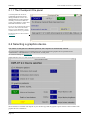
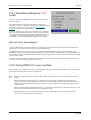
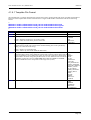
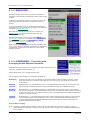
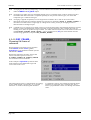
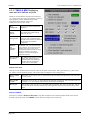
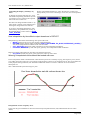
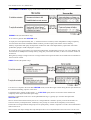
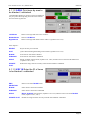
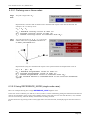
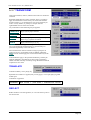
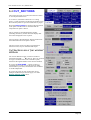
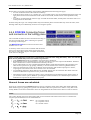
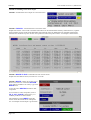
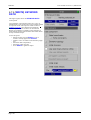
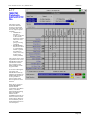
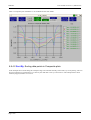
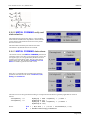
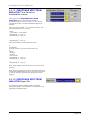
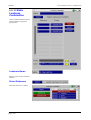
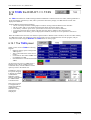
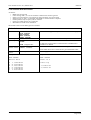
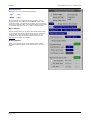
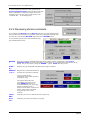
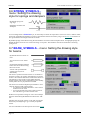
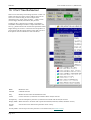
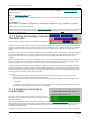
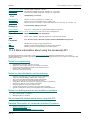
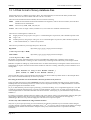
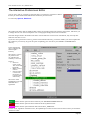
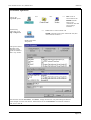
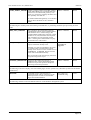
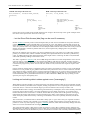
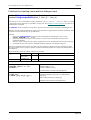
6.8.3 Data vs Data: Both X
and Y data components
against time.
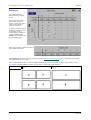
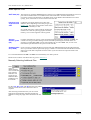
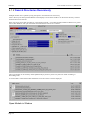
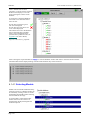
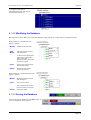
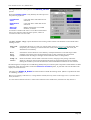
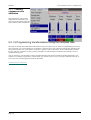
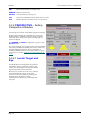
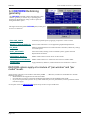
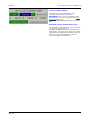
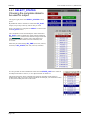
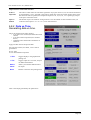
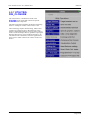
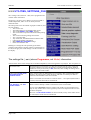
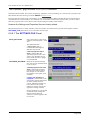
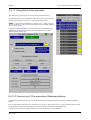
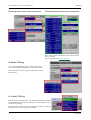
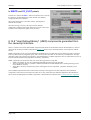
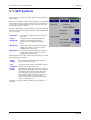
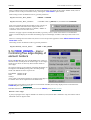
This is very similar to the Data vs Time panel above,
except that you choose data components for both X
and Y axes.
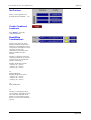
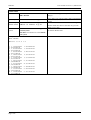
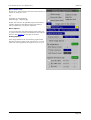
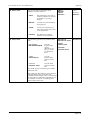
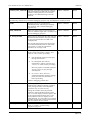
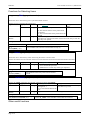
Each item (here shells) still forms a curve, but the
data points are <X data> vs <Y data> at each selected
state.
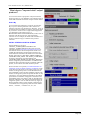
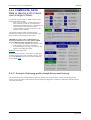
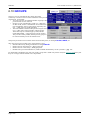
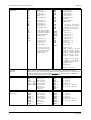
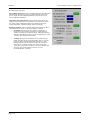
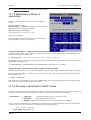
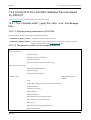
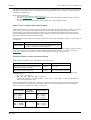
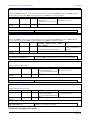
For example you might wish to plot the stress vs
strain history for a set of elements, in which case you
might choose:
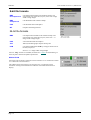
• X Axis: Strain
• Y Axis: Von Mises stress
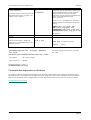
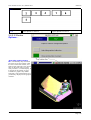
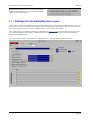
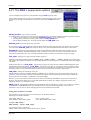
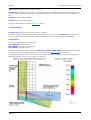
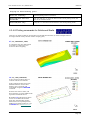
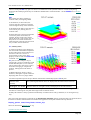
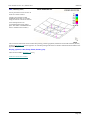
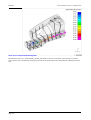
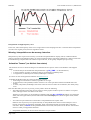
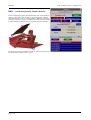
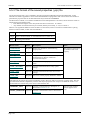
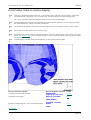
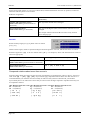
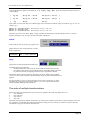
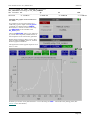
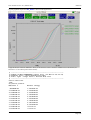
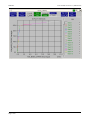
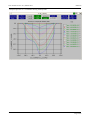
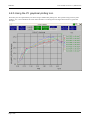
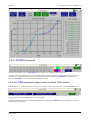
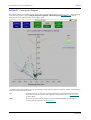
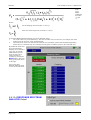
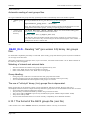
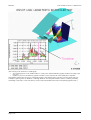
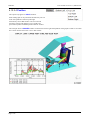
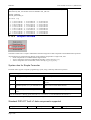
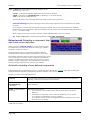
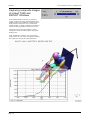
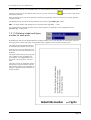
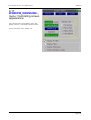
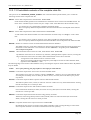
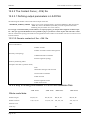
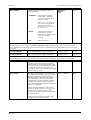
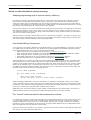
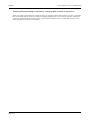
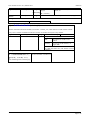
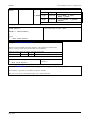
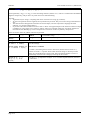
Here is an example of output from such a plot, showing Von Mises Strain (X axis) against Von Mises Stress (Yaxis).
This shows the classic stress vs strain curve for mild steel.
Page 6.99