1
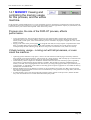
D3PLOT
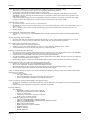
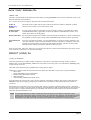
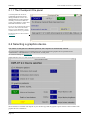
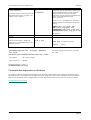
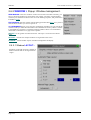
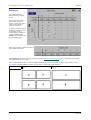
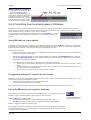
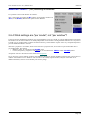
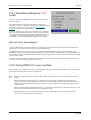
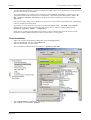
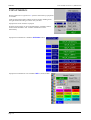
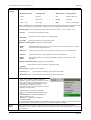
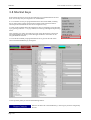
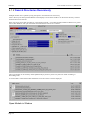
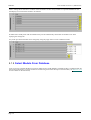
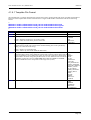
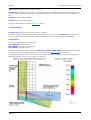
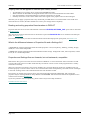
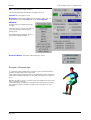
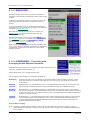
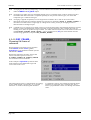
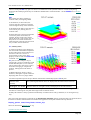
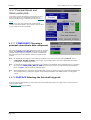
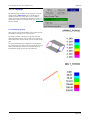
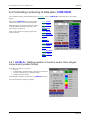
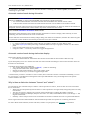
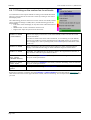
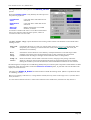
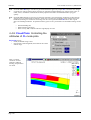
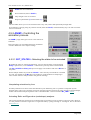
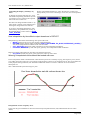
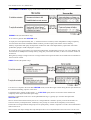
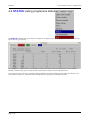
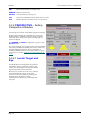
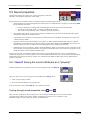
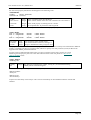
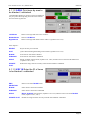
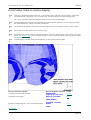
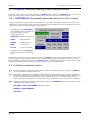
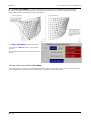
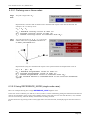
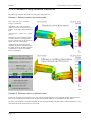
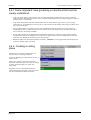
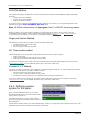
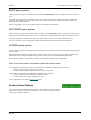
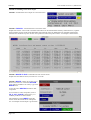
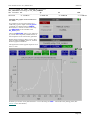
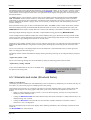
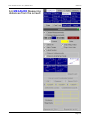
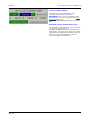
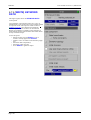
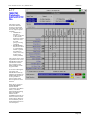
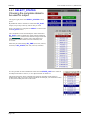
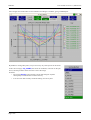
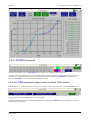
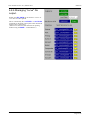
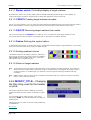
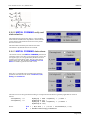
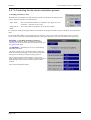
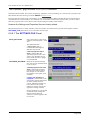
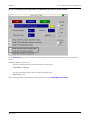
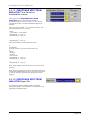
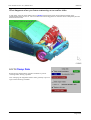
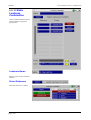
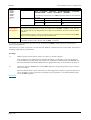
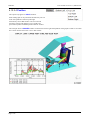
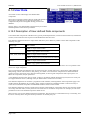
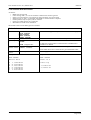
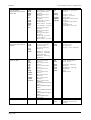
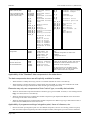
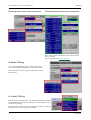
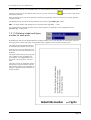
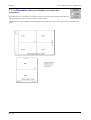
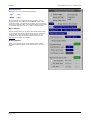
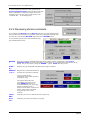
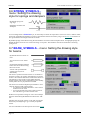
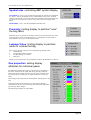
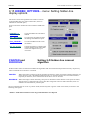
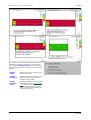
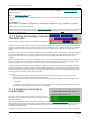
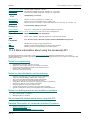
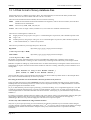
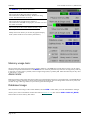
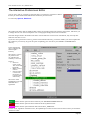
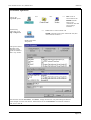
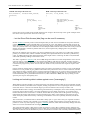
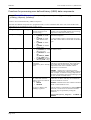
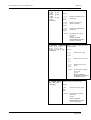
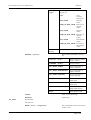
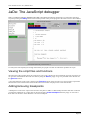
Use ANIM > SET_STATES > Custom... to
map the detailed state selection panel:
User manual Version 11.0, March 2013
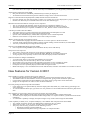
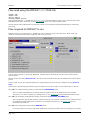
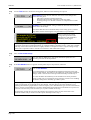
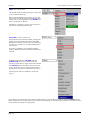
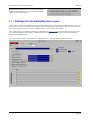
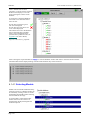
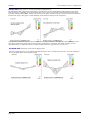
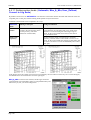
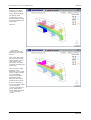
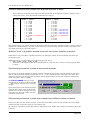
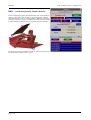
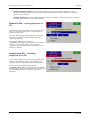
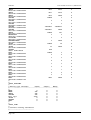
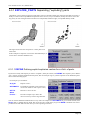
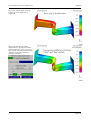
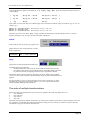
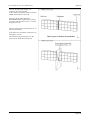
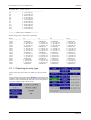
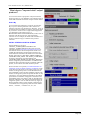
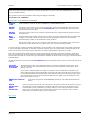
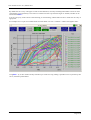
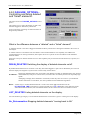
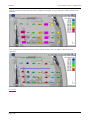
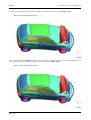
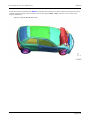
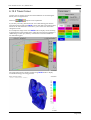
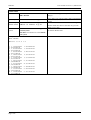
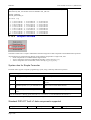
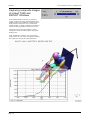
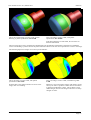
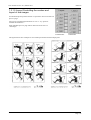
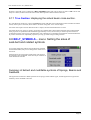
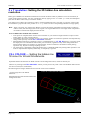
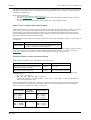
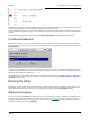
Then truncate the number of states in all windows so that they all have
the same number of states. In this example it has been limited to
12states.
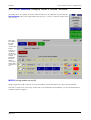
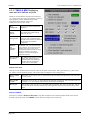
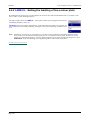
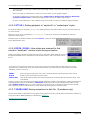
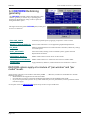
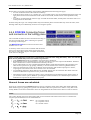
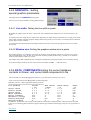
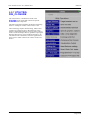
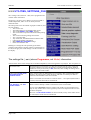
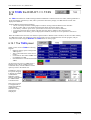
BY_TIME... Synchronising
animation by time across dissimilar
models.
The "by state" animation behaviour above is
the default, chosen because it is simple and
minimises memory usage, but it has
disadvantages when models with different
state time intervals are processed.
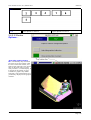
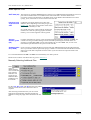
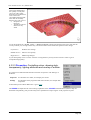
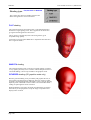
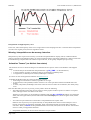
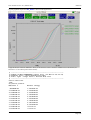
It is possible to interpolate between states and
so to animate by user-defined time interval,
which has the side-effect of synchonising
models with dissimilar state times. This is
done by using the BY_TIME... option.
(Interpolation can be used on single models as
well, usually to give a smoother animation,
although this is less common.)
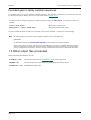
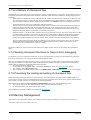
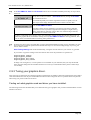
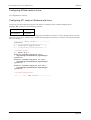
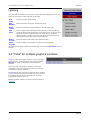
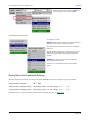
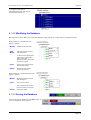
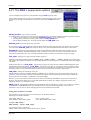
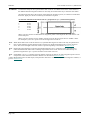
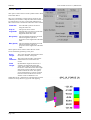
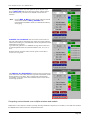
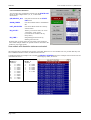
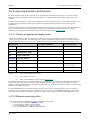
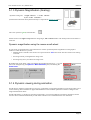
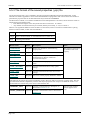
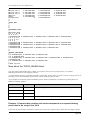
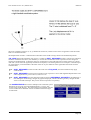
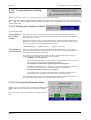
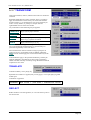
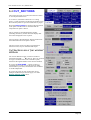
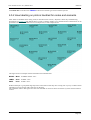
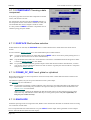
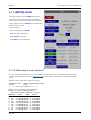
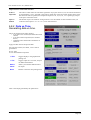
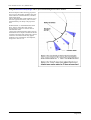
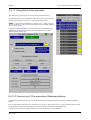
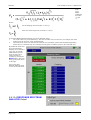
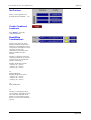
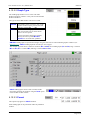
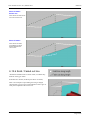
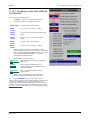
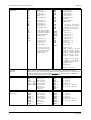
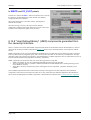
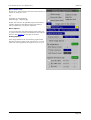
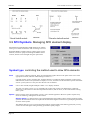
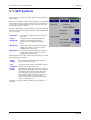
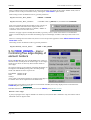
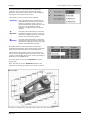
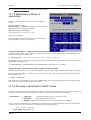
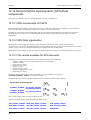
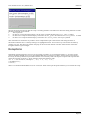
You define
<start time>
<time interval>
<end time>
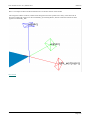
And D3PLOT will interpolate states as required to achieve the specified intervals.
Interpolation is performed using a simple linear factor on the two "real" states that bound the required time.
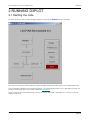
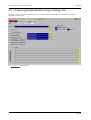
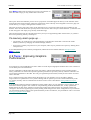
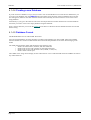
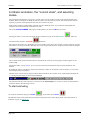
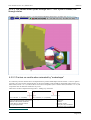
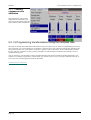
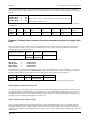
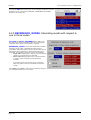
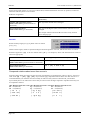
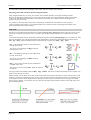
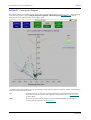
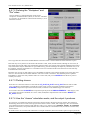
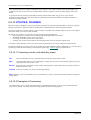
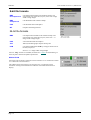
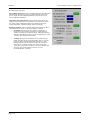
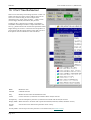
You can control animation on a per frame basis using the slider and associated controls at the top of the window,
exactly as described in section 4.5.1 above.
Page 4.106