1
Restarting Netviewer after exiting a session
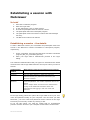
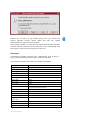
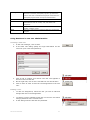
If you are conducting several Netviewer sessions, you will find the
restart function in the exit dialog useful. Immediately after a session
ends it restarts the Netviewer consultant or participant program; of
course all settings are reset and a new session number is issued.
•
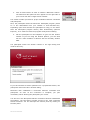
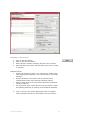
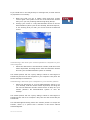
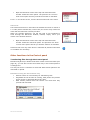
Click on Restart in the Exit dialog. Depending on your
configuration, you will either go back to the Login dialog or
directly to the Start dialog.
NETVIEWER ONE2ONE
43