1
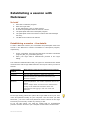
Planning a new session
1.
2.
3.
4.
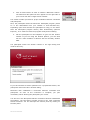
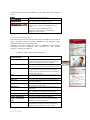
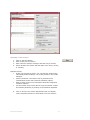
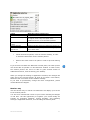
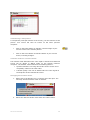
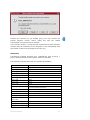
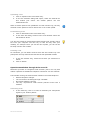
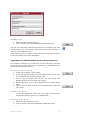
Click on the New button.
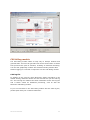
Enter a topic for the session.
Enter when the session will begin and how long it will last.
Select whether the session will take place once, daily, weekly,
or monthly.
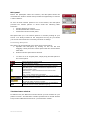
Optional entries:
•
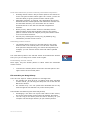
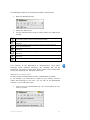
Profile: By selecting a profile, you can start the session with
individually defined settings. You create profiles in the Profile
manager.
•
Session password: The session can be protected from
unauthorized access with a session password (option).
•
Refer to page 22 for more information about the integrated
invitation function.
•
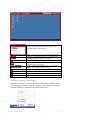
Use the button Copy access data to copy the session number
and session password (if present) to the Windows clipboard.
5.
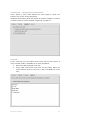
Click on Accept. The session appointment will now appear
under Scheduled sessions or Scheduled recurrent sessions.
NETVIEWER ONE2ONE
21