1
If you would like to use Drag & Drop to exchange files, a small amount
of preparation is necessary:
1.
2.
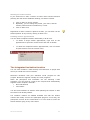
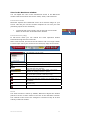
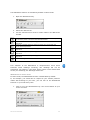
Make sure that you are in Watch mode and have remote
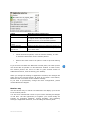
control rights. The symbol in the bar of the Netviewer window
tells you if you may exchange files through Drag & Drop.
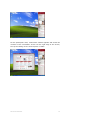
Arrange your screen in a way that facilitates access to the file
administration system (such as the desktop, Windows Explorer,
or the working area) on both your screen and the transferred
screen.
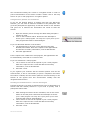
Transferring a file from your session partner's computer to your
own computer
•
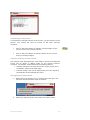
Select the desired file in the Netviewer window, hold the mouse
button depressed, and drag the file from the Netviewer window
and into your file administration system or desktop.
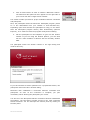
The session partner will see a query dialog in which he must agree to
transferring the file from his computer to your computer. Only then will
the file actually be transferred.
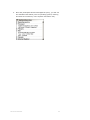
Transferring a file from your computer to your session partner
•
Select the desired file in your file administration system or on
your desktop, hold the mouse button depressed, and drag the
file into the Netviewer window. Allow the file to drop into your
session partner’s file administration system or onto his
desktop.
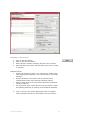
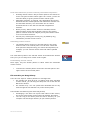
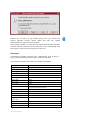
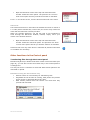
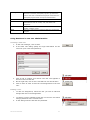
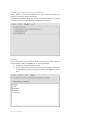
The session partner will see a query dialog in which he must agree to
transferring the file to his computer. Only then will the file actually be
transferred.
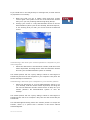
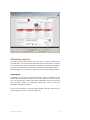
This acknowledgment dialog allows the session partner to accept the
transfer, refuse it, or permit such a transfer in the future without
acknowledgment.
NETVIEWER ONE2ONE
31