1
3.
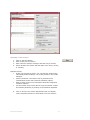
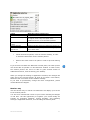
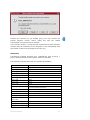
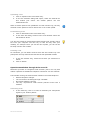
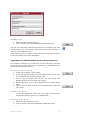
Click on Start session in order to initiate a Netviewer session.
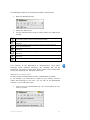
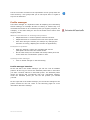
The Netviewer Mini-panel will then appear on the right side of
your screen with the six-digit session number.
The session number provides for proper mediation between consultant
and participant.
Next, the participant starts the Netviewer Participant program (which
he or she downloaded from your website or www.netviewer.de).
Depending upon which browser the participant is using, he can either
start the Participant program directly after downloading (Internet
Explorer), or he must first save the program locally before starting.
4.
Call the participant on the telephone to give him the session
number. If you are using the Session planner, you can send
him an e-mail invitation in advance with all necessary session
data.
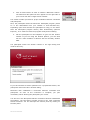
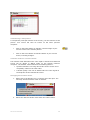
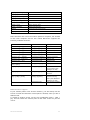
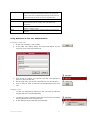
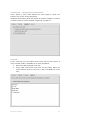
The participant enters the session number in the login dialog and
confirms his entry.
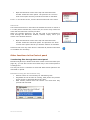
If you have defined a session password for a preplanned session, the
participant must enter this in another dialog.
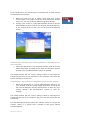
Netviewer then establishes a connection between consultant and
participant. As soon as the connection is complete, you (the
consultant) will be showing the participant your screen.
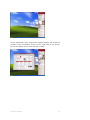
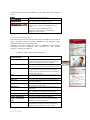
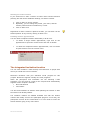
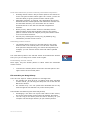
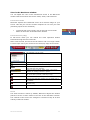
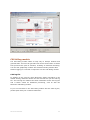
You can see in the Mini-panel that the connection has been established
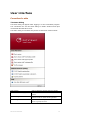
successfully. The Mini-panel provides access to the most important
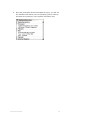
session functions. You can fold open the Control panel by clicking on
the Mini-panel.
NETVIEWER ONE2ONE
11