1
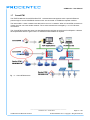
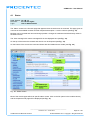
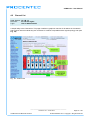
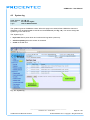
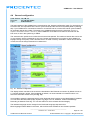
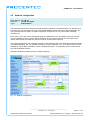
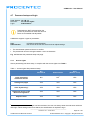
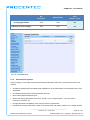
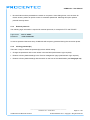
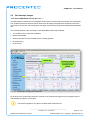
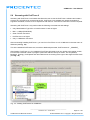
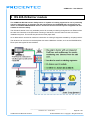
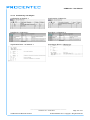
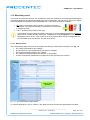
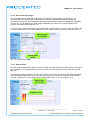
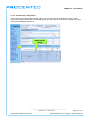
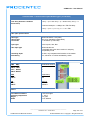
COMbricks – User Manual 4 Web server To access the web server of COMbricks, open your web browser and enter the IP address that has been setup (after purchase or reset the default IP address is 192.168.1.254). In the Discovery Tool you can find a button to access the web server with the default Windows browser. If a User password has been setup a screen will appear to login first in order to access the web server. If only the Administrator password has been setup it is not necessary to login to directly, but when settings are altered you must be logged in (See Paragraph 4.7). Some web pages described in this manual are only accessible with certain Head Station types, licenses or firmware versions. After the web page has been loaded, the pages of the web server can be browsed by clicking on the items in the menu on the left side of the screen. The next paragraphs will explain the primary web server pages. The web server can handle 20 simultaneous client connections. When all 20 are utilized, the connection with the COMbricks could become relatively slow. The minimum version requirements for Web browsers are: - Firefox 2.0 (24 October 2006) - Internet Explorer 6.0 (27 Augustus 2001) - Google Chrome 1.0 (24 April 2009) _______________________________________________ Version 5.4.0 – June 2014 COMbricks-User-Manual1-EN.docx Page 41 / 184 © PROCENTEC 2014 - Copyright - all rights reserved