1
ORB 3.0 User Manual
Table of Contents
Downloading ORB For Remote Access .......................................................................... 3
Logging into the Remote Desktop ................................................................................... 3
Logging Into ORB ............................................................................................................ 4
Home Screen .................................................................................................................. 5
Search Options ............................................................................................................... 7
Patient Name Banner ...................................................................................................... 8
Patient Profile .................................................................................................................. 9
Current Orders ................................................................................................................ 9
Medications ................................................................................................................... 10
Physician Reports ......................................................................................................... 11
Labs .............................................................................................................................. 12
Studies .......................................................................................................................... 14
Clinical Views ................................................................................................................ 16
Medical Records ........................................................................................................... 19
Queries.......................................................................................................................... 21
Completing Notes in ORB ............................................................................................. 23
Completing a Preoperative note .................................................................................... 31
Completing a Postoperative note .................................................................................. 31
My Diagnosis (Codified Diagnosis Tool)........................................................................ 33
Appending a Note ......................................................................................................... 36
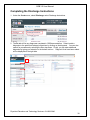
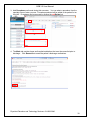
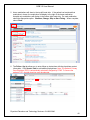
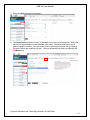
Completing the Discharge Instructions .......................................................................... 38
Completing the Discharge Summaries .......................................................................... 44
Editing and Creating Folders in ORB ............................................................................ 45
Covering Provider.......................................................................................................... 47
Viewing the Covering Provider Tool .............................................................................. 49
Charge Capture ............................................................................................................. 50
Resources ..................................................................................................................... 52
How to Get Help ............................................................................................................ 52
Physician Education and Technology Services- 614-566-3646
2