1
Vclass
Learning Management System
Instructor Manual
RESOURCE CATEGORIES
Overview
The resource categories subfunction is used to specify resource categories of supplementary
course materials for the selected course.
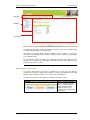
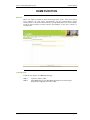
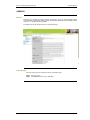
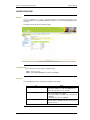
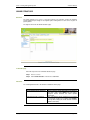
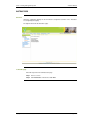
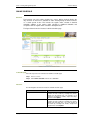
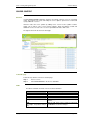
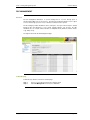
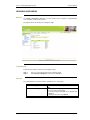
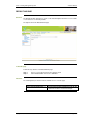
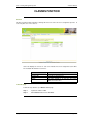
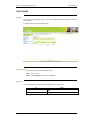
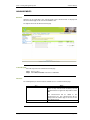
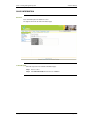
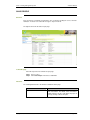
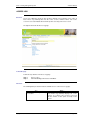
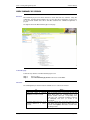
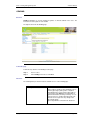
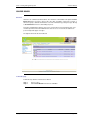
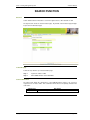
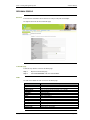
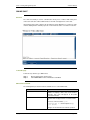
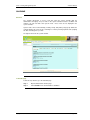
The figure below shows the Resource Categories page.
To find this page
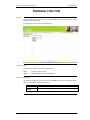
Follow the steps below to view Resource Categories page.
Step 1
Step 2
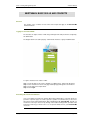
Access a course that you have been assigned to teach
Click Resource Categories on the Courses Sub Menu.
Functions
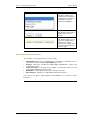
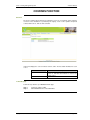
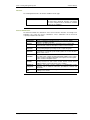
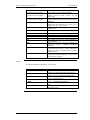
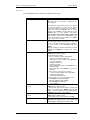
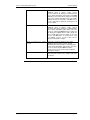
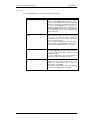
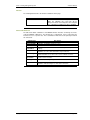
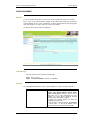
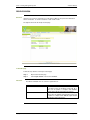
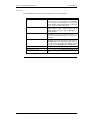
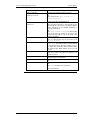
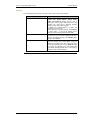
The following table presents the functions available to users on this page.
To…
add resource categories
edit a resource category
delete a resource category
Copyright © 2005 Distributed Education Center
click…
Enter name of resource category in Name field. Click
Add.
Select a resource category to edit. Click Edit. Enter
the new resource category name.
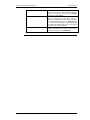
To save the changes: click Save. Score Structure will
be updated.
To retain previous value: click Cancel.
Select a resource category to delete. Click Del.
Page
29