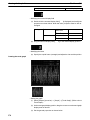
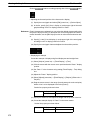
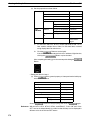
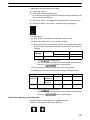
1
Creating the Sample Data
Section
9-3
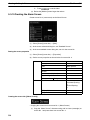
9-3-7 Creating the Monitor Screen (Child Screen 2)
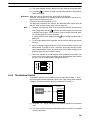
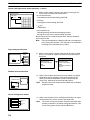
Here, create screen No. 11 as child screen 2.
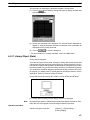
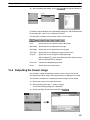
(1) Select [Screen] (menu bar) → [New].
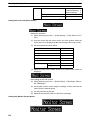
(2) At the screen selection dialog box, set “Standard Screen.”
(3) At the new standard screen dialog box, set 11 for the screen No.
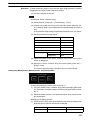
Setting the screen properties
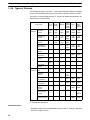
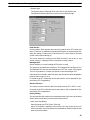
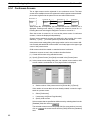
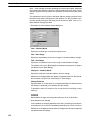
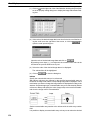
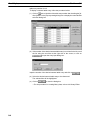
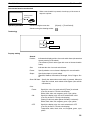
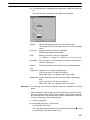
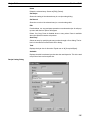
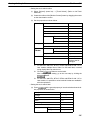
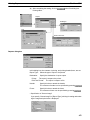
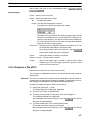
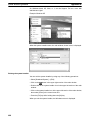
(1) Select [Screen] (menu bar) → [Properties].
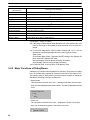
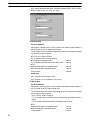
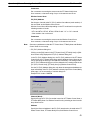
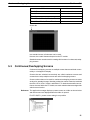
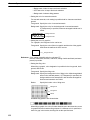
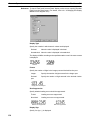
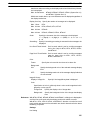
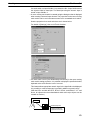
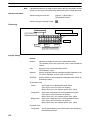
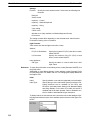
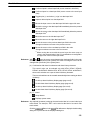
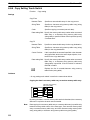
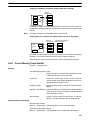
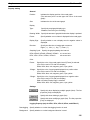
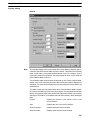
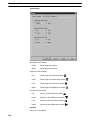
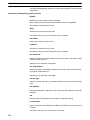
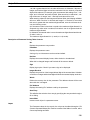
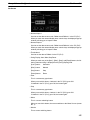
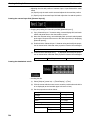
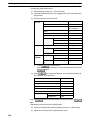
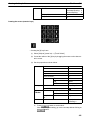
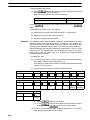
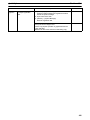
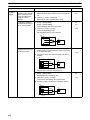
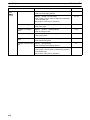
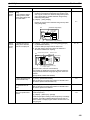
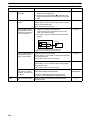
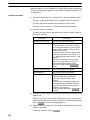
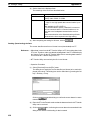
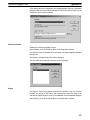
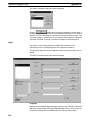
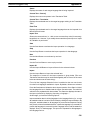
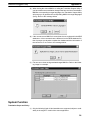
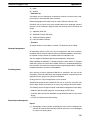
(2) Set the screen properties as shown below for screen No. 11.
Attributes
Screen No.
11
History
Title
Monitor Screen-2
Comment
Monitor Screen-2
Buzzer
Load Local 1 (Keyboard)
System Keypad
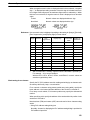
Color
Grid
Background
Black
Grid Size
Custom
Horizontal Spacing: 5
Vertical Spacing:
5
Display Grid
Snap to Grid
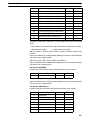
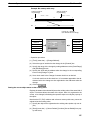
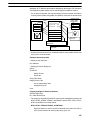
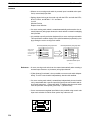
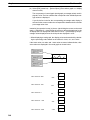
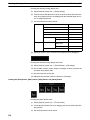
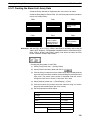
Creating the lamps ([Lamp 1] to [Lamp 5])
Creating the frame of lamp 1
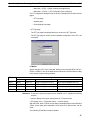
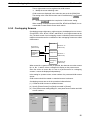
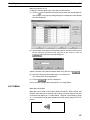
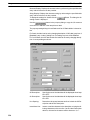
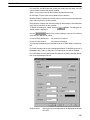
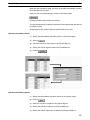
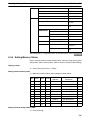
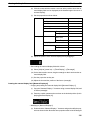
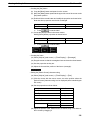
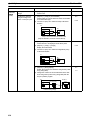
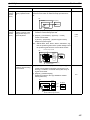
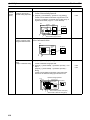
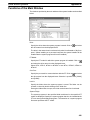
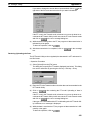
(1) Select [Objects] (menu bar) → [Lamp] → [Standard]. (Refer to 6-5
Lamps.)
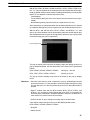
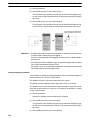
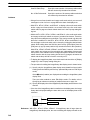
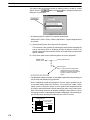
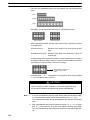
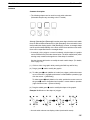
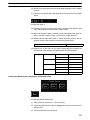
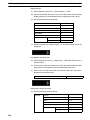
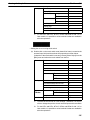
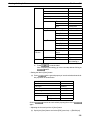
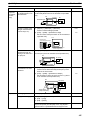
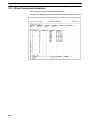
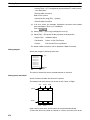
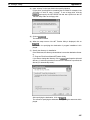
(2) At the [Lamp 1] display position in the data creation screen, drag the
mouse to create the lamp frame.
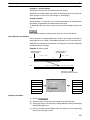
In this step, a rectangular frame is created.
373