Download Operation Manual
Transcript
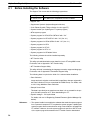
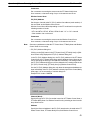
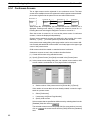
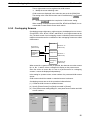
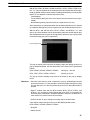
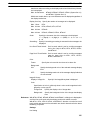
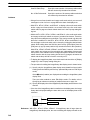
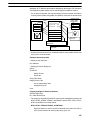
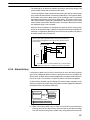
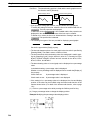
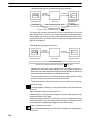
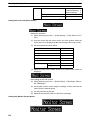
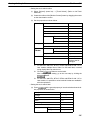
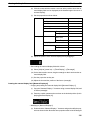
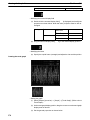
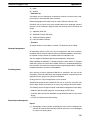
General Configuration of the Support Tool Section 1-3 NT31, NT31C, NT631, and NT631C, a keyboard screen cannot be displayed independently.) With the NT21 and with the NT31, NT31C, NT631 and NT631C with “-V1” and above, all objects other than thumbwheel SW can be registered. With other models, only fixed display, and touch switch used to input numeral/string and temporary input field can be registered. (This type of window is called a Keyboard Screen.) With the NT21 and with the NT31, NT31C, and NT631C with “-V1” and above, up to 3 window/keyboard screens can be opened at the same time. (With other models, only 1 window/keyboard can be opened.) For details, refer to 5-4 Window/Keyboard Screens. Host connect screen (System initializing screen) This screen is displayed at the start of PT operation until the connection to a PC (PLC) is completed. If a Host Connect screen is not registered, the default screen that shows the host connection message is automatically displayed when the PT power is switched on or when the PT mode transfers to the run mode. Display OFF screen (no-display screen) This screen is used when nothing is to be displayed on the screen. Since this screen is reserved by the system as a Display OFF screen, it cannot be edited. Extended screen Screens reserved for future extension of PT functions. Screens should not be registered to the screen numbers of these reserve screens. Occurrence history screen An occurrence history screen displays the numbers of screens displayed by Switch screen operations in the order of occurrence. Frequency history screen A frequency history screen displays the numbers of screens displayed by Switch screen operations in the order of frequency. Password screen This screen exists for the secure protection of a designated screen so that users can switch the screen only when the accurate password is input. Menu screen Menu screen serves as a control screen to switch to a designated screen through the operation of numeric key. Print Format screen If this screen is assigned, printing can be done by simple operation. Programming Console Screen Device Monitor Screen 20 This screen can be used to execute Programming Console functions with the NT21, NT31, NT31C, NT631, and NT631C. User editing of this screen is not possible. Refer to 5-12 Programming Console Screen for details. This screen can be used to execute device monitoring functions with the NT31, NT31C, NT631, and NT631C with “-V2” or higher. User editing of this screen is not possible. Refer to 5-13 Device Monitor Screen for details.
Related documents
the Data
NT-series Support Tool for Windows Ver.4.7 OPERATION MANUAL
"user manual"
3G3FV User`s Manual - Products
NT-Series Operation Manual
NT31/631 Multi-Vendor connection, Operation Manual
datasheet: pdf
Data Sheet - Carlton
Setup Manual NT631 and NT631C - Support
SYSMAC CPM1/CPM1A/CPM2A/CPM2C/SRM1(-V2)
SYSMAC CS/CJ Series WS02-LCTC1-EV5 CX
"user manual"