1
Configuring the Operating System
6.3 Configuring the operating system on the TP 177B 4"
6.3.8
Setting the delay time
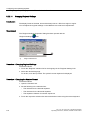
Introduction
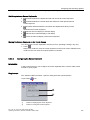
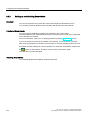
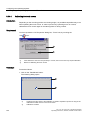
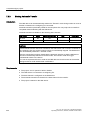
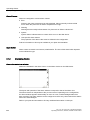
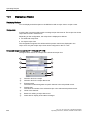
Once the HMI device has been switched on, a project can be started after a delay.
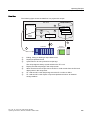
The Loader is displayed during the delay time.
Requirements
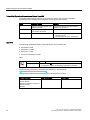
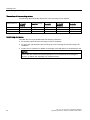
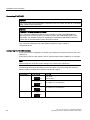
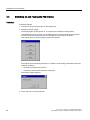
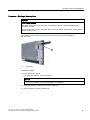
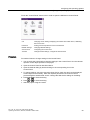
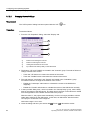
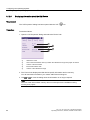
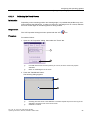
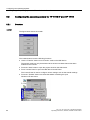
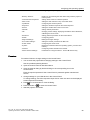
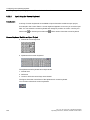
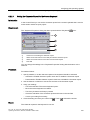
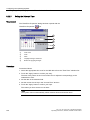
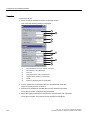
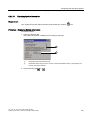
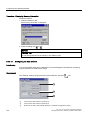
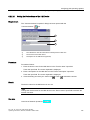
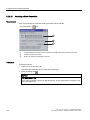
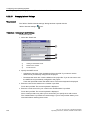
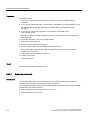
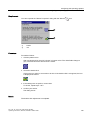
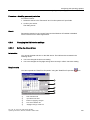
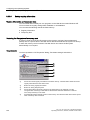
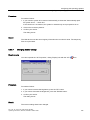
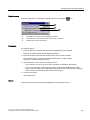
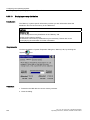
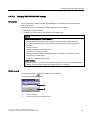
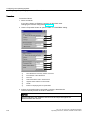
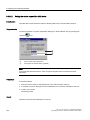
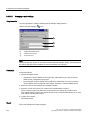
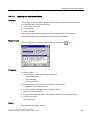
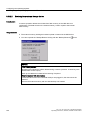
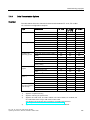
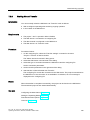
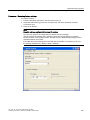
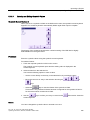
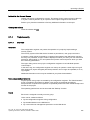
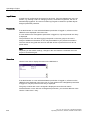
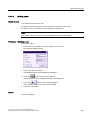
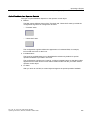
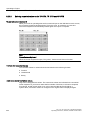
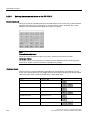
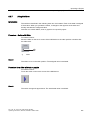
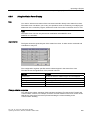
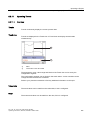
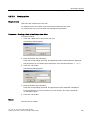
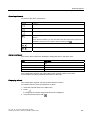
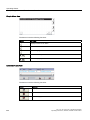
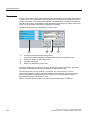
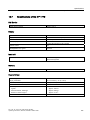
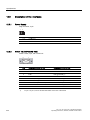
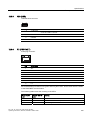
You have opened the "Transfer Settings", dialog "Directories" tab with the
"Transfer"
icon.
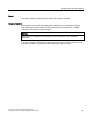
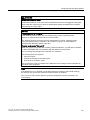
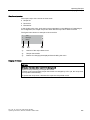
NOTICE
Settings under "Project File" and "Path"
The project may not open the next time the HMI device is started if changes are made in
the "Project File" and "Path" text boxes.
Do not change the entries in the "Project File" and "Path" text boxes.
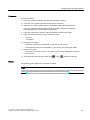
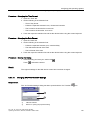
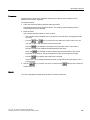
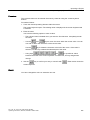
Procedure
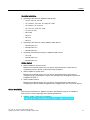
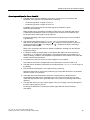
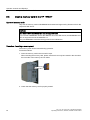
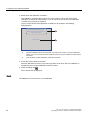
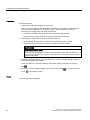
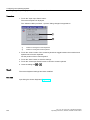
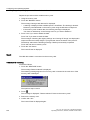
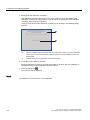
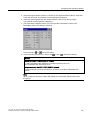
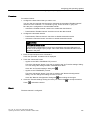
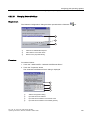
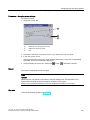
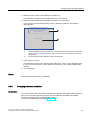
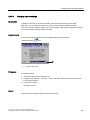
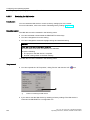
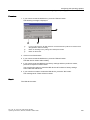
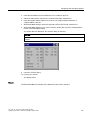
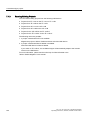
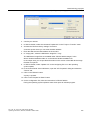
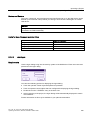
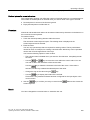
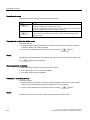
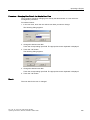
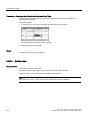
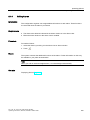
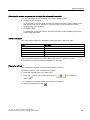
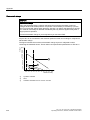
1. Select the desired delay time in seconds from the "Wait [sec]" selection list.
With the value "0", the project starts immediately. It is then no longer possible to call the
Loader after switching on the HMI device. If you still wish to access the loader,
an operating element must be configured to close the project.
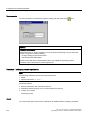
2. Confirm your entries.
The dialog closes.
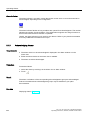
Result
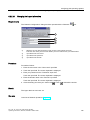
The delay time for the HMI device is now set.
TP 177A, TP 177B, OP 177B (WinCC flexible)
Operating Instructions, 08/2008, 6AV6691-1DG01-0AB1
169