1
Configuring the Operating System
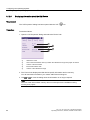
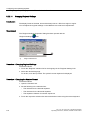
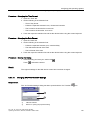
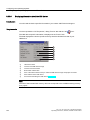
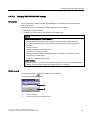
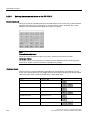
6.3 Configuring the operating system on the TP 177B 4"
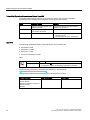
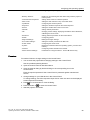
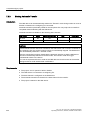
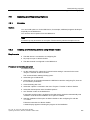
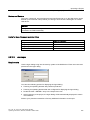
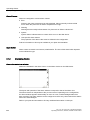
Within the ETHERNET data network, the device name must be unique and satisfy the
DNS conventions. These include:
● The device name can consist of maximum 240 characters.
● If the device name is longer than 63 characters, it must be classified in the name
component. Each name component can consist of maximum 63 characters.
Name components are separated from each other by means of points.
Example: <Subdomain-Name>.<Domain-Name>.<Top-Level-Domain-Name>
● The device name may include characters, figures, hyphens or points.
● The device name must not start or end with a "-" character.
● The device name must not take the form n.n.n.n (n = 0 to 999).
● The device name must not start with the character sequence "port-xyz-" (x, y, z = 0 to 9).
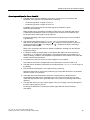
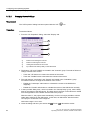
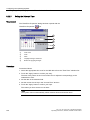
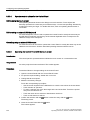
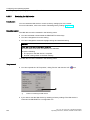
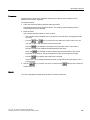
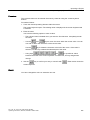
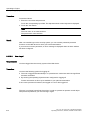
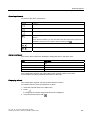
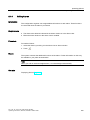
Procedure
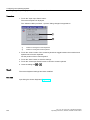
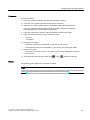
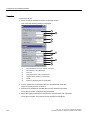
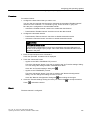
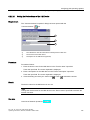
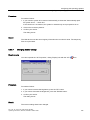
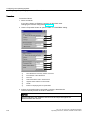
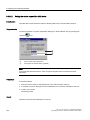
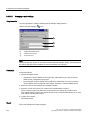
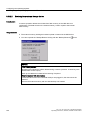
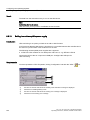
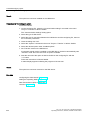
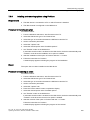
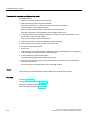
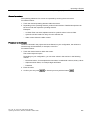
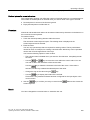
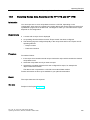
Proceed as follows:
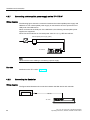
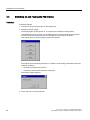
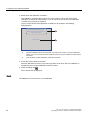
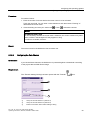
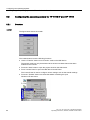
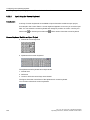
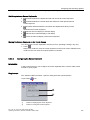
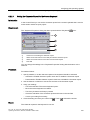
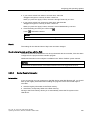
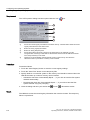
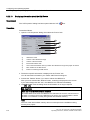
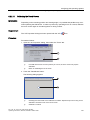
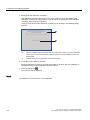
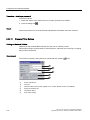
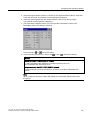
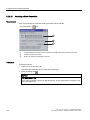
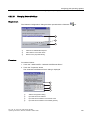
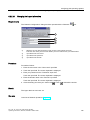
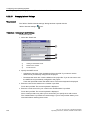
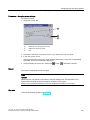
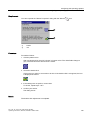
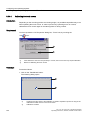
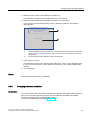
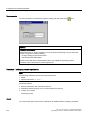
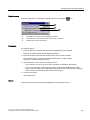
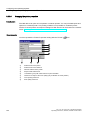
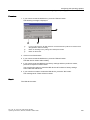
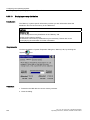
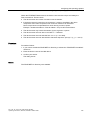
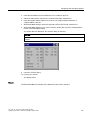
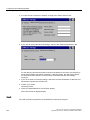
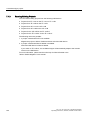
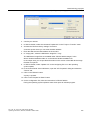
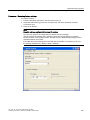
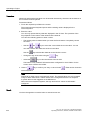
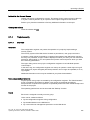
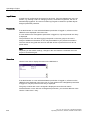
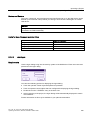
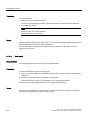
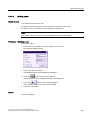
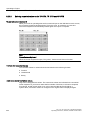
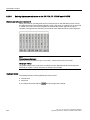
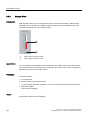
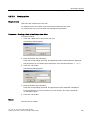
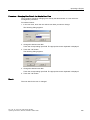
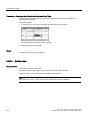
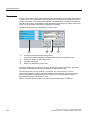
1. If you want to enable the PROFINET IO direct keys, activate the "PROFINET IO enabled"
check box.
2. Enter the device name of the HMI device.
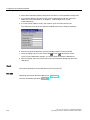
3. Confirm your entries.
The dialog closes.
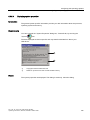
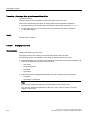
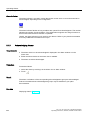
Result
The PROFINET IO direct keys are enabled.
TP 177A, TP 177B, OP 177B (WinCC flexible)
Operating Instructions, 08/2008, 6AV6691-1DG01-0AB1
171