1
OMRON
Basic Tutorial
1, 2, 3…
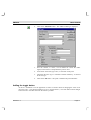
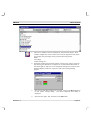
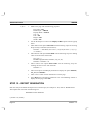
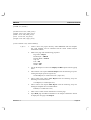
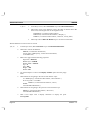
Select New from the Project menu.
1.
Enter the project name as “Tutor”.
2.
Use the New Project Folder: field to determine the path to the new
project directory (for example, there could be a directory path similar
to “C:\My Work\CX-Supervisor” on the machine).
3.
Specify the name of the new sub-directory that CX-Supervisor is to
create; for example, “tutorial”.
4.
Click on the OK button. A project called “tutor” and the specified subdirectory is created by CX-Supervisor. The project file is actually
called “tutor.scs”.
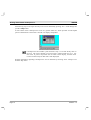
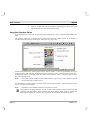
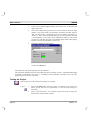
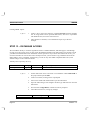
A blank page is displayed on the screen. If a blank page is not displayed, click on the New
Page button from the toolbar or select New Page from the File menu to create a new, blank
page.
CX-Supervisor Pages
A CX-Supervisor project usually consists of a number of separate pages. Each page
normally presents information relating to one particular topic, process, or activity. The
application designer uses the facilities of the graphics editor to draw and animate objects on
the page.
This tutor project consists of only one page.
1, 2, 3…
Revision 1.3
1.
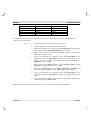
Name the page as “tutor.pag” using Save Page As from the File menu.
Page 13