1
D. SYSTEM SETUP
i.
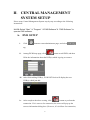
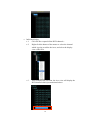
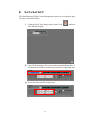
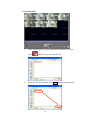
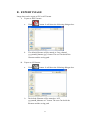
Click
button enter to administrator page and then click
tag.
ii.
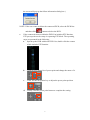
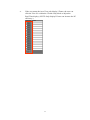
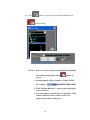
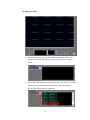
After entry to the system setup page, the “Use Overlay” and “Auto
Adjust Resolution” two options are provided.
a.
b.
Use Overlay: Select “Use Overlay” can increase PC efficiency.
Auto Adjust Resolution: Select “Auto Adjust Resolution” can
alter the screen resolution automatically. (NOTE: if the PC screen
supports 1280*1024 resolution, the screen will adjust to
1280*1024 and CMS software will adjust to 1280*1024 screen
resolution automatically after “Auto Adjust Resolution” is
selected. However, if the PC screen does not support 1280*1024,
the screen will adjust to 1024*768 and CMS software screen
will adjust to 1024*768 resolution automatically.)
c.
iii.
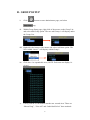
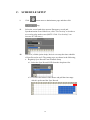
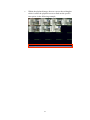
Default Screen Split: The number of split screen which will
display when CMS software is operated in the beginning.
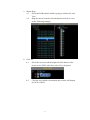
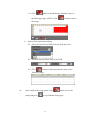
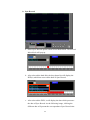
After complete the setup, please click
and press
to exit System Setup page.
14
button to save the setting