1
c.
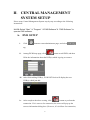
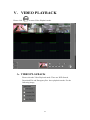
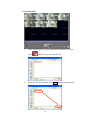
After selected the playback DVR, video playback will be operated
by doing Event Search and Time Search.
c-1. Event Search
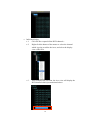
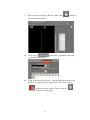
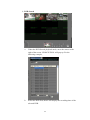
c-1-1. Select the playback HDD of DVR
.
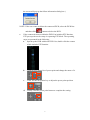
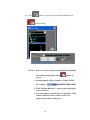
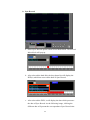
c-1-2. After selected the HDD, it will display all trigger
events to the following table. Double-click the left
button of the mouse on the trigger event. For the
following example,
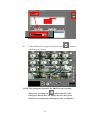
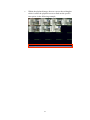
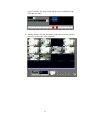
c-1-3. After finish the above setting, the playback screen
will play the selected event video.
c-2. Time Search
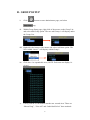
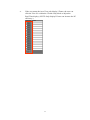
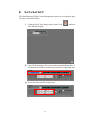
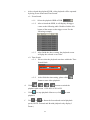
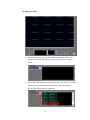
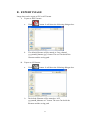
c-2-1. Please select the playback start time within the Time
Search block.
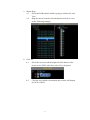
c-2-2.
After finish the time setting, please click
button to start video playback.
d.
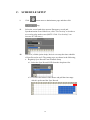
Click
/
/
/
button to switch the
playback split screen 1 CH/ 4CH/ 9CH/ 16CH.
e.
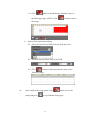
Click
to stop playback. Moreover, click
to start
playback.
f.
Use
&
to fasten the forward and rewind playback
speed.(NOTE: Forward and Rewind playback only display I
Frame.)
25