1
ANT-20/ANT-20E
Mainframe, SDH Version
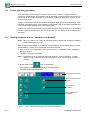
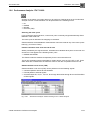
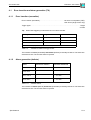
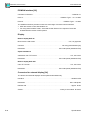
Editing the trace identifier (J0, J1, J2)
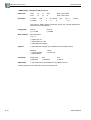
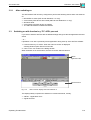
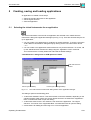
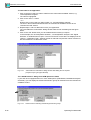
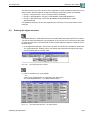
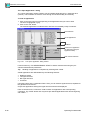
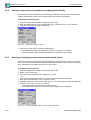
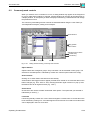
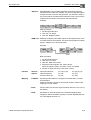
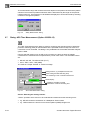
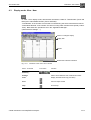
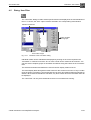
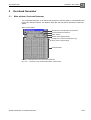
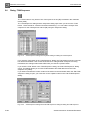
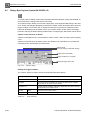
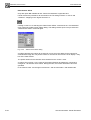
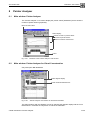
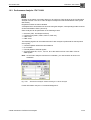
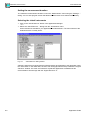
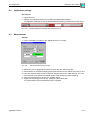
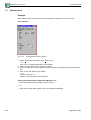
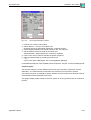
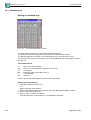
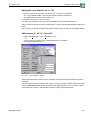
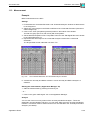
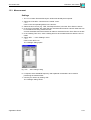
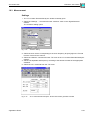
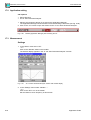
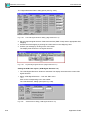
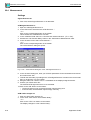
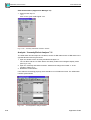
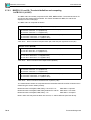
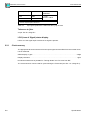
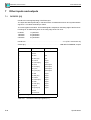
1. Select a J byte from the matrix and click on the “TI” button in the toolbar.
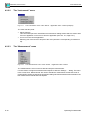
The “Trace Identifier Editor” opens and an ASCII keyboard is displayed.
The default value is shown in the “Trace” box.
2. Edit the TI and click on “OK” to confirm.
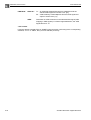
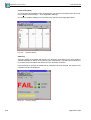
The same value should be found in the trace identifier for the “Overhead Analyzer”.
If this is not the case and you start a measurement, a TIM (Trace Identifier Mismatch) alarm will
result.
You can return to the stored default value at any time by simply clicking on the “Default” button.
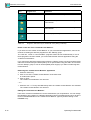
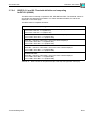
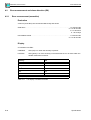
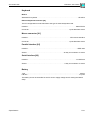
Editing bytes K1, K2, S1, C2 and V5
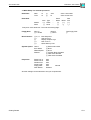
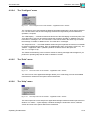
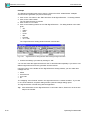
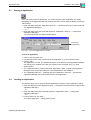
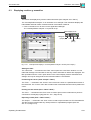
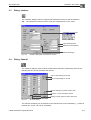
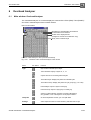
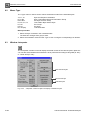
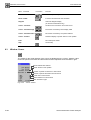
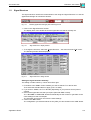
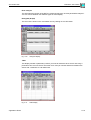
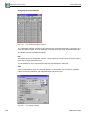
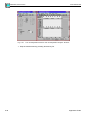
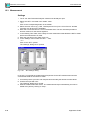
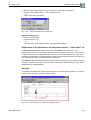
1. Select “Edit Descriptor” in the “Descriptor” menu.
– or –
Click on the “DCT” button in the “Overhead Generator” VI toolbar.
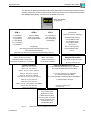
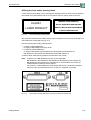
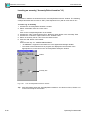
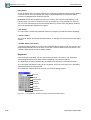
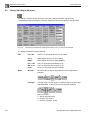
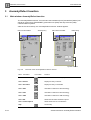
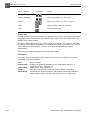
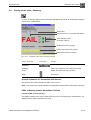
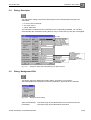
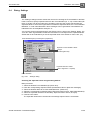
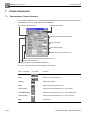
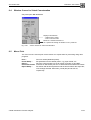
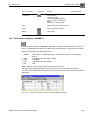
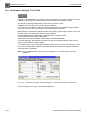
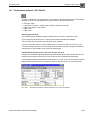
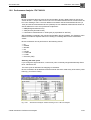
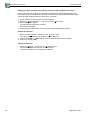
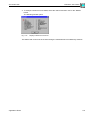
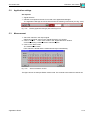
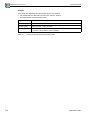
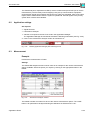
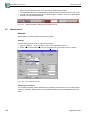
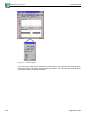
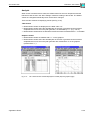
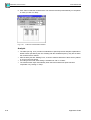
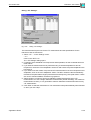
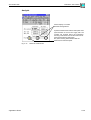
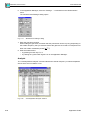
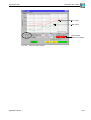
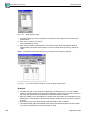
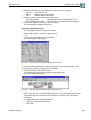
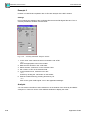
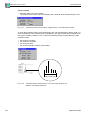
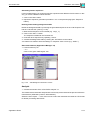
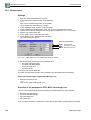
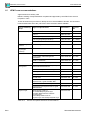
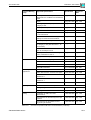
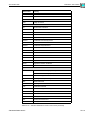
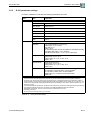
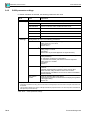
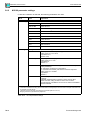
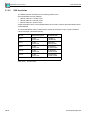
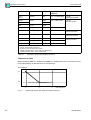
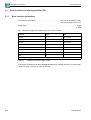
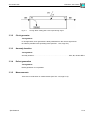
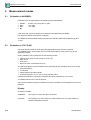
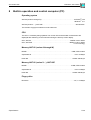
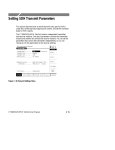
The following window opens.
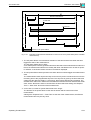
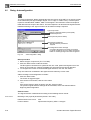
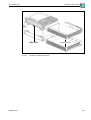
Fig. A-46
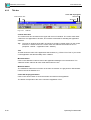
The “Descriptor” window
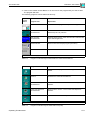
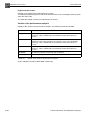
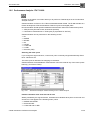
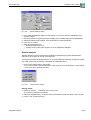
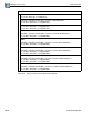
Bytes K1/K2 and K3/K4 contain control commands for the APS system (automatic protection
switching).
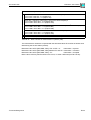
The byte name is shown in the left-hand column. The byte is shown in binary code in the center
column. Plain text selection boxes are found on the right-hand side. You can set the various
commands from the ITU-T standard here without having to edit individual bits.
Application Guide
A-31