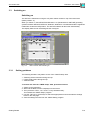
1
Mainframe, SDH Version
5.7
ANT-20/ANT-20E
Evaluation to ITU-T M.2101
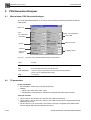
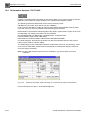
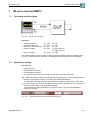
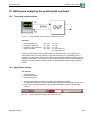
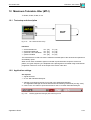
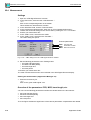
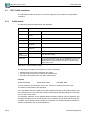
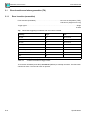
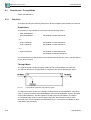
ES, EFS, SES, UAS, BBE and SEP are evaluated.
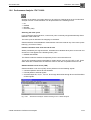
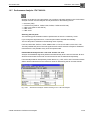
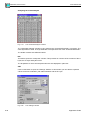
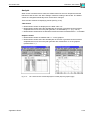
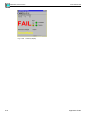
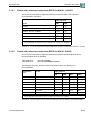
Pass/Unknown/Fail assessment based on the threshold values S1 and S2 for ES, SES, BBE
and SEP. The threshold values are calculated internally as per M.2101 and displayed in the
results window.
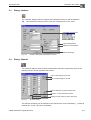
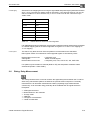
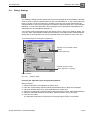
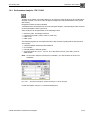
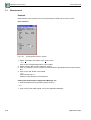
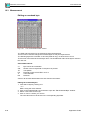
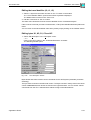
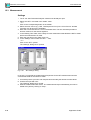
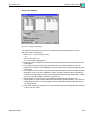
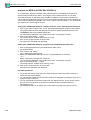
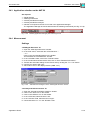
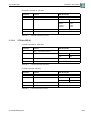
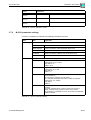
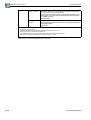
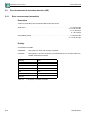
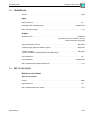
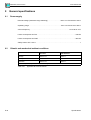
Settings for S1 and S2:
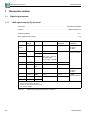
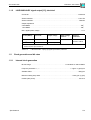
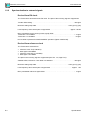
Path allocation . . . . . . . . . . . . . . . . . . . . . . . . . . . . . . . . . . . . . . . . . . . . . . . . . . . . . 0.1 to 100%
BISO (“Bringing into Service Objectives”) multiplication factor . . . . . . . . . . . . . . . . . . 0.1 to 100
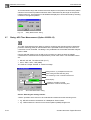
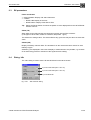
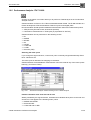
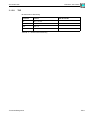
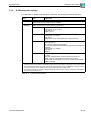
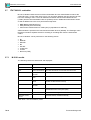
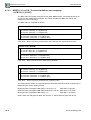
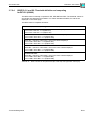
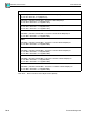
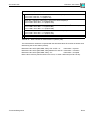
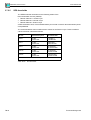
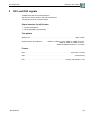
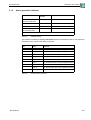
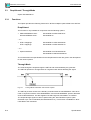
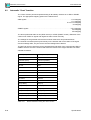
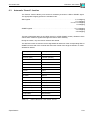
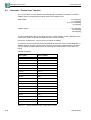
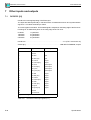
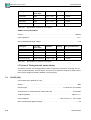
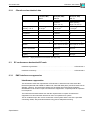
The M.2101 evaluation can be performed on the following events:
•
•
•
•
•
•
•
•
B1
B2SUM
MS-REI
B3
HP-REI
LP-BIP 2/8
LP-REI
Bit errors (TSE)
Evaluation of the near end and the far end is simultaneous as soon as the signal structure set
allows a far end measurement.
Far end evaluations can only be made if REI is available.
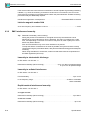
Bit errors can be evaluated for:
• unframed patterns
• framed patterns and bulk signals
• Overhead bytes E1, E2, F1, F2, F2L, D1 through D3 and D4 through D12 in the SOH/POH
of SDH signals
As the M.2101 evaluation measures block errors, bit error evaluation cannot be activated.
Exception: B2SUM. BIP-1 blocks are used for this. These are only accessible in the instrument
via a bit error measurement. For this reason, block error evaluation is not available for a M.2101
evaluation on B2SUM.
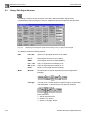
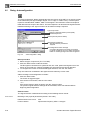
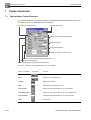
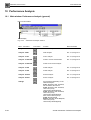
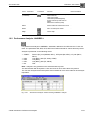
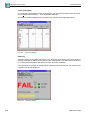
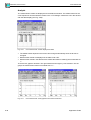
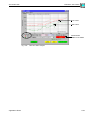
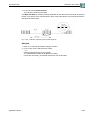
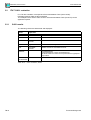
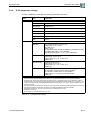
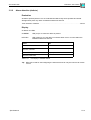
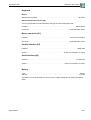
Display
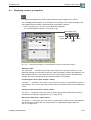
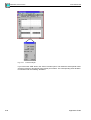
of defects via LEDs
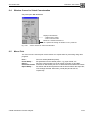
(also in the Anomaly/Defect Analyzer – Summary display window):
S-26
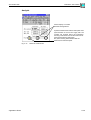
CURRENT
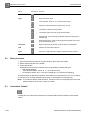
LED (red) is on when the defect is present.
HISTORY
LED (yellow) is on if the defect occurred at least once or is active within the
started measurement interval.
Specifications