1
Mainframe, SDH Version
9.3
ANT-20/ANT-20E
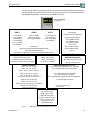
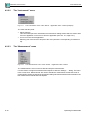
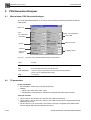
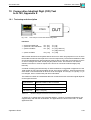
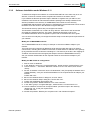
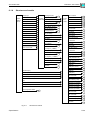
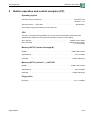
The “Print” menu – Virtual instruments
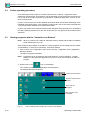
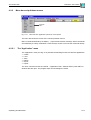
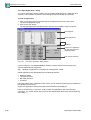
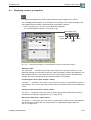
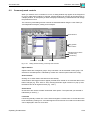
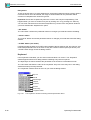
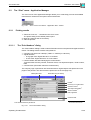
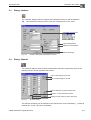
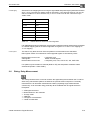
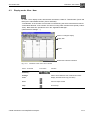
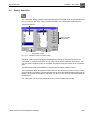
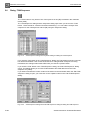
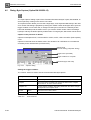
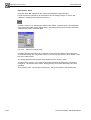
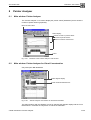
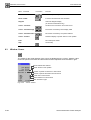
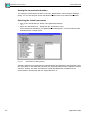
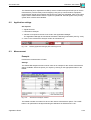
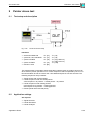
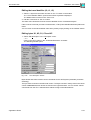
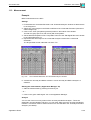
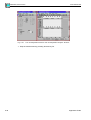
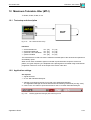
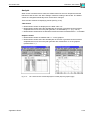
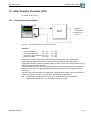
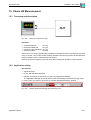
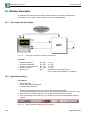
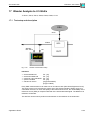
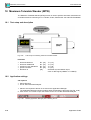
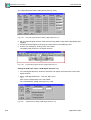
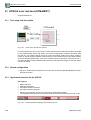
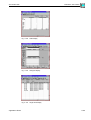
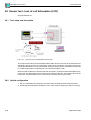
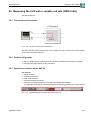
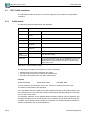
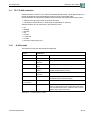
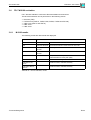
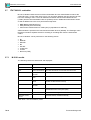
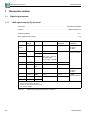
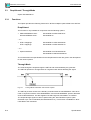
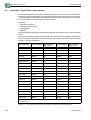
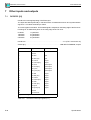
The “Print” menu in each virtual instrument allows you to print out or export the results for the
virtual instrument for further processing using other programs.
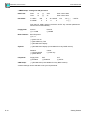
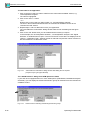
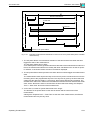
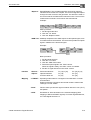
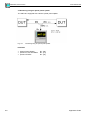
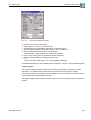
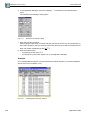
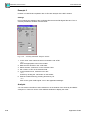
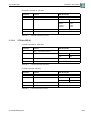
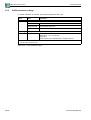
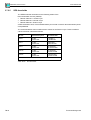
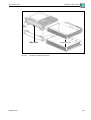
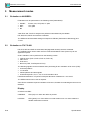
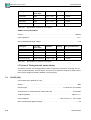
Fig. O-38
9.3.1
The “Print” menu – Virtual instruments
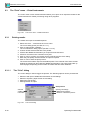
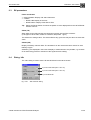
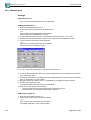
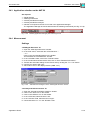
Printing results
The results are output to the default printer.
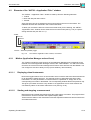
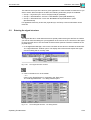
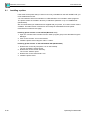
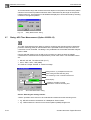
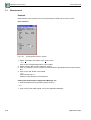
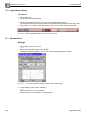
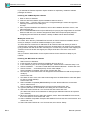
1. Select the “Print...” command in the “Print” menu.
The “Print” dialog opens (see Sec. 9.3.1.1).
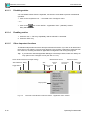
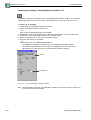
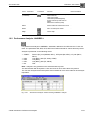
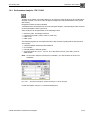
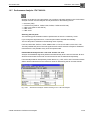
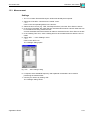
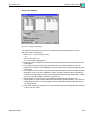
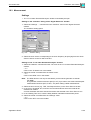
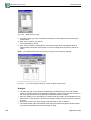
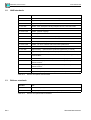
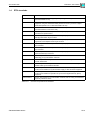
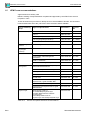
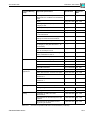
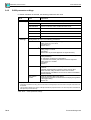
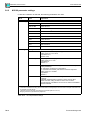
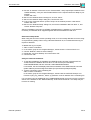
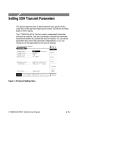
2. Click on action button “Headers...”.
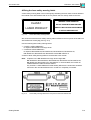
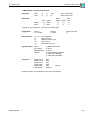
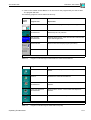
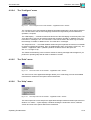
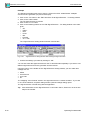
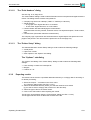
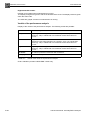
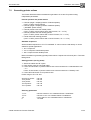
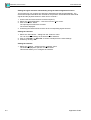
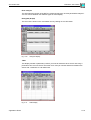
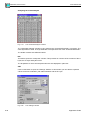
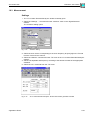
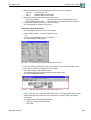
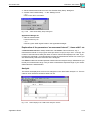
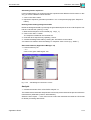
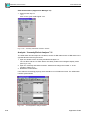
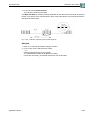
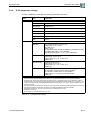
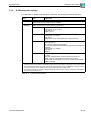
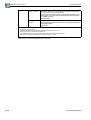
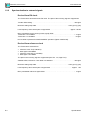
The “Print Headers” dialog opens (see Sec. 9.3.1.2):
3. If Check off the elements that are to be printed.
4. If Select the additional information you require from the list boxes.
5. If Enter a comment in the “Comment” entry box.
6. Click on “OK” to confirm your entries and to come back to the “Print” dialog.
7. Enter the print quality and the number of copies if required.
8. Click on “OK” to start the print process.
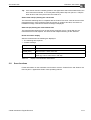
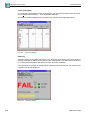
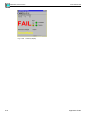
The result record will be output to the default printer. The contents of the active results
window are printed out along with the additional information. The printout may take up
several pages, depending on the number of results that have been obtained.
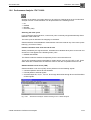
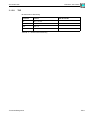
9.3.1.1
The “Print” dialog
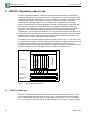
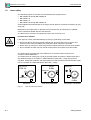
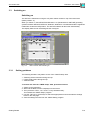
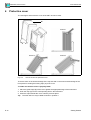
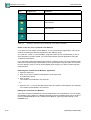
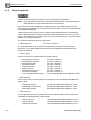
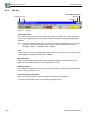
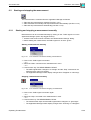
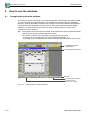
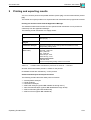
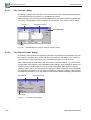
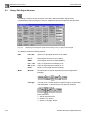
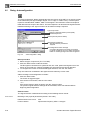
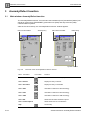
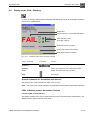
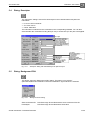
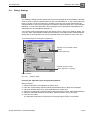
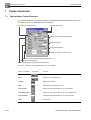
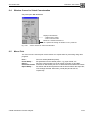
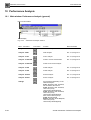
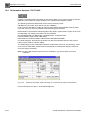
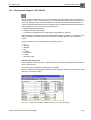
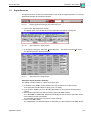
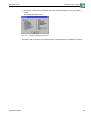
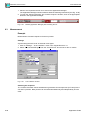
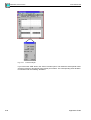
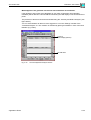
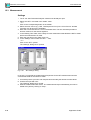
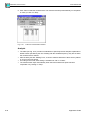
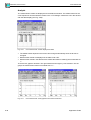
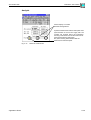
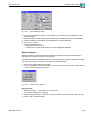
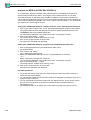
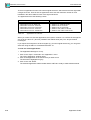
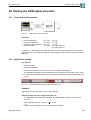
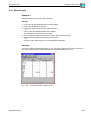
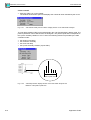
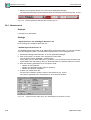
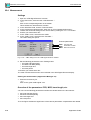
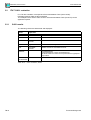
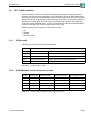
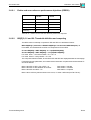
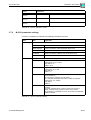
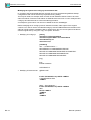
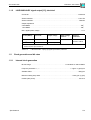
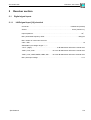
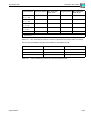
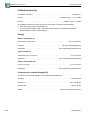
The “Print” dialog is used to trigger the printout. The following options can be pre-selected:
•
•
•
•
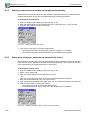
Selection and input of additional informations via sub-dialogs
Selection of printer, paper format via sub-dialog
Setting the print quality
Setting number of copies
Start printout!
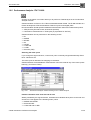
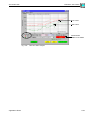
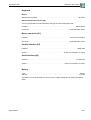
Opening sub-dialogs:
Additional informations
Selection of alternative printers
selected
additional
information
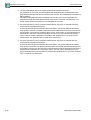
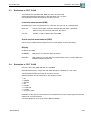
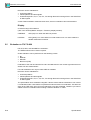
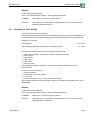
Fig. O-39
O-40
The “Print” dialog
Operating Fundamentals