1
CubeSuite+ V2.01.00
APPENDIX A WINDOW REFERENCE
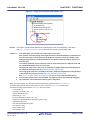
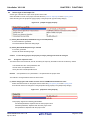
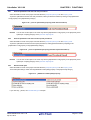
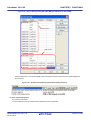
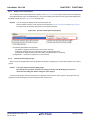
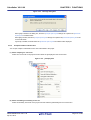
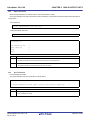
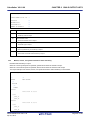
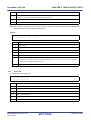
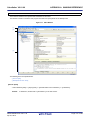
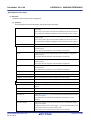
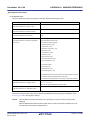
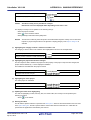
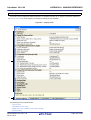
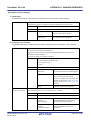
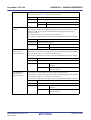
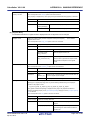
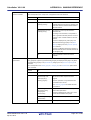
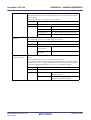
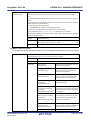
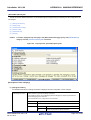
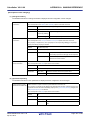
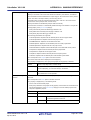
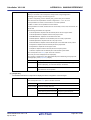
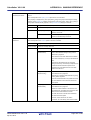
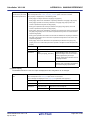
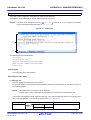
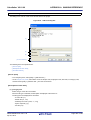
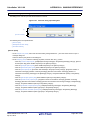
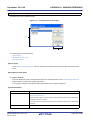
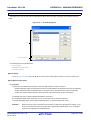
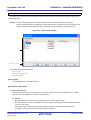
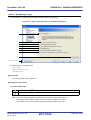
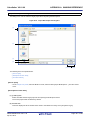
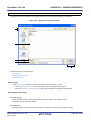
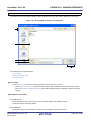
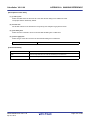
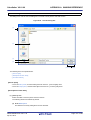
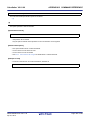
(2) [File name] area
Directly enter the name of the file to be created.
".txt" is displayed by default.
Remark
If any extension is not designated, the one selected in the [File type] area will be added.
Also, if the extension different from the one selected in the [File type] area is designated, the one
selected in the [File type] area will be added (for example, if you designate "aaa.txt" as the file name
and select "C source file (*.c)" as the file type, the file is named as "aaa.txt.c").
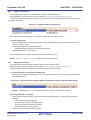
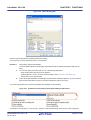
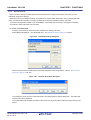
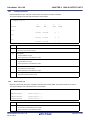
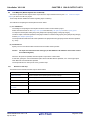
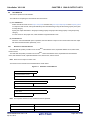
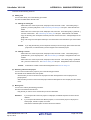
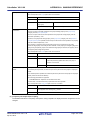
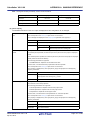
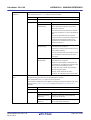
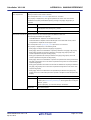
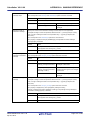
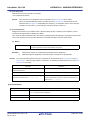
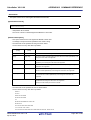
(3) [File location] area
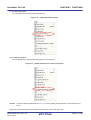
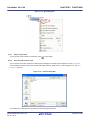
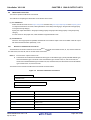
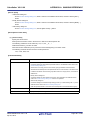
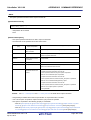
Designate the location to be created the file by directly entering its path or selecting from the [Refer...] button.
The path of the project folder is displayed by default.
Note, however, that the folder path set in the category is displayed when this dialog box is opened from the context
menu of the category node (only when the shortcut to the folder has been set and the folder exists).
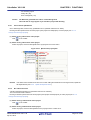
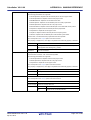
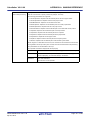
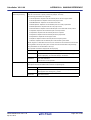
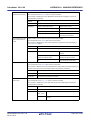
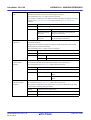
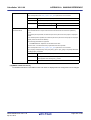
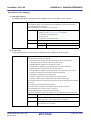
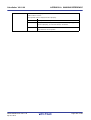
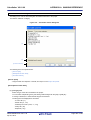
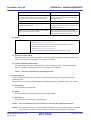
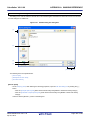
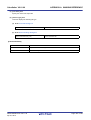
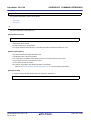
(a) Button
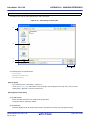
Refer...
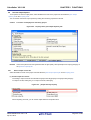
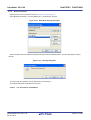
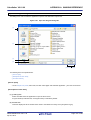
Opens the Browse For Folder dialog box.
If a folder is selected, the path will be added in the text box.
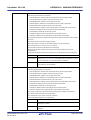
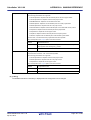
Remarks 1.
2.
Remark
If the text box is blank, it is assumed that the project folder is designated.
If the relative path is designated, the reference point of the path is the project folder.
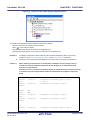
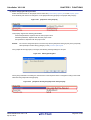
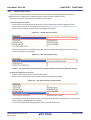
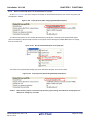
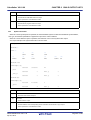
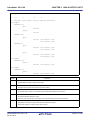
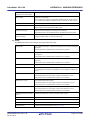
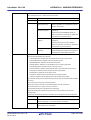
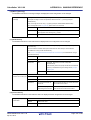
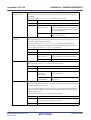
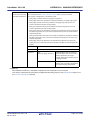
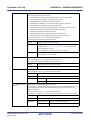
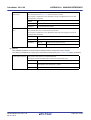
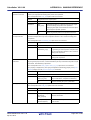
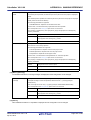
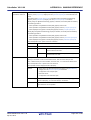
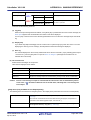
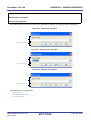
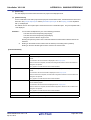
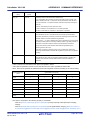
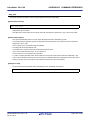
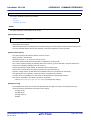
Up to 259 characters (path and file name combined) can be specified in the [File name] area and [File
location] area. When the input violates any restriction, the following messages will be shown on the [File
name] area in the tooltip.
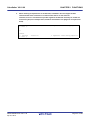
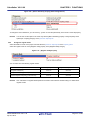
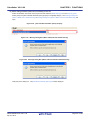
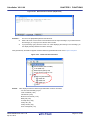
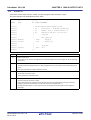
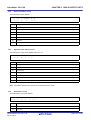
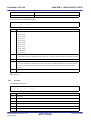
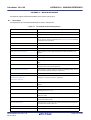
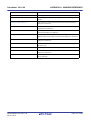
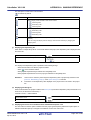
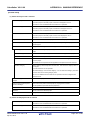
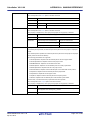
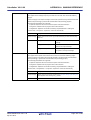
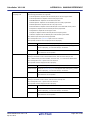
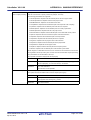
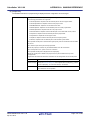
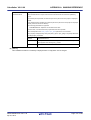
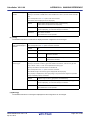
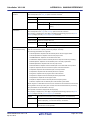
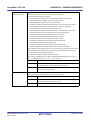
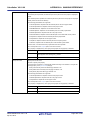
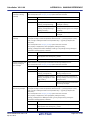
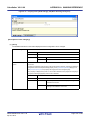
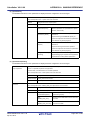
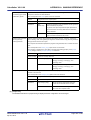
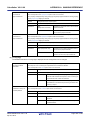
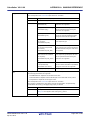
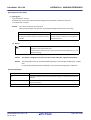
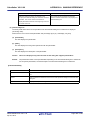
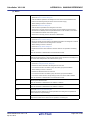
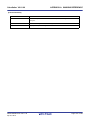
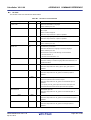
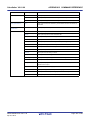
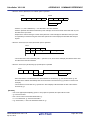
Message
The file name including the path is too long. Make it
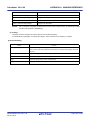
Description
The file name with the path is more than 259 characters.
within 259 characters.
The specified path contains a folder that does not exist.
The path contains a folder that does not exist.
The file name or path name is invalid. The following
The file name with the invalid path is designated.
characters cannot be used: \, /, :, *, ?, ", <, >, |
The following characters cannot be used for the file name and
folder name: \, /, :, *, ?, ", <, >, |
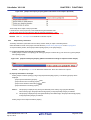
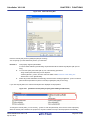
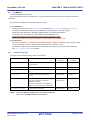
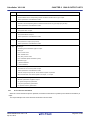
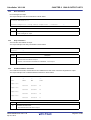
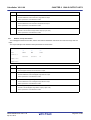
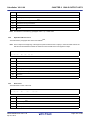
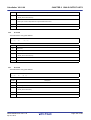
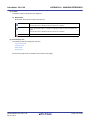
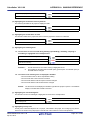
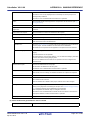
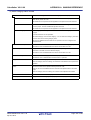
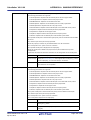
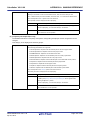
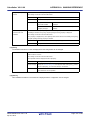
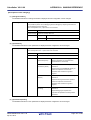
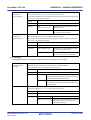
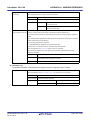
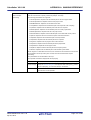
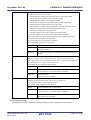
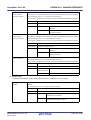
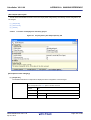
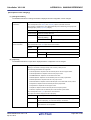
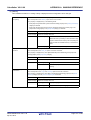
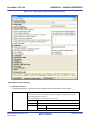
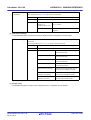
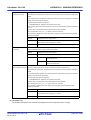
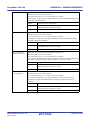
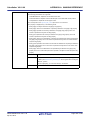
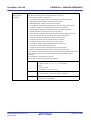
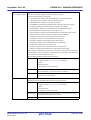
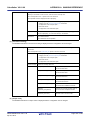
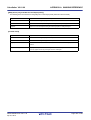
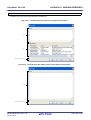
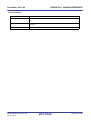
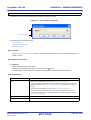
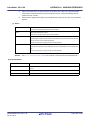
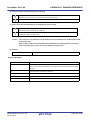
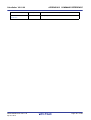
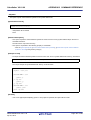
[Function buttons]
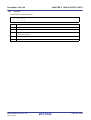
Button
OK
Function
Creates the file with the entered file name, adds it to the project, and opens with the Editor
panel. And then closes this dialog box.
Cancel
Does not create a file and closes this dialog box.
Help
Displays the help of this dialog box.
R20UT2585EJ0100 Rev.1.00
Apr 01, 2013
Page 261 of 485