1
CubeSuite+ V2.01.00
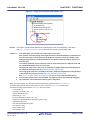
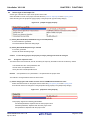
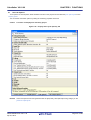
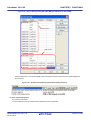
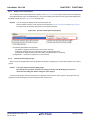
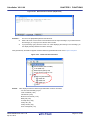
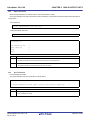
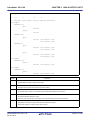
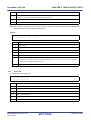
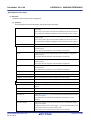
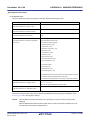
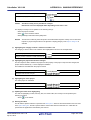
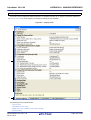
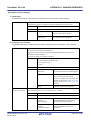
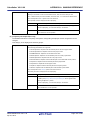
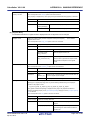
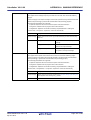
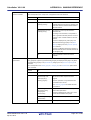
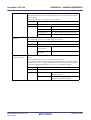
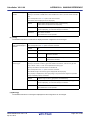
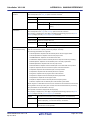
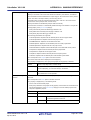
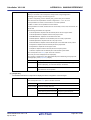
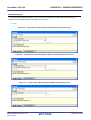
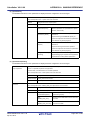
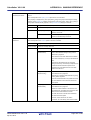
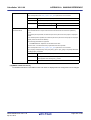
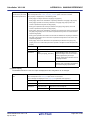
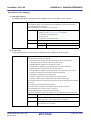
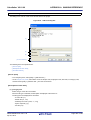
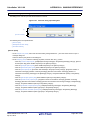
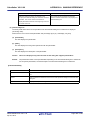
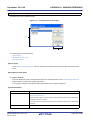
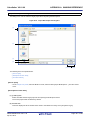
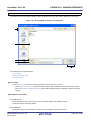
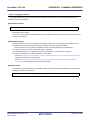
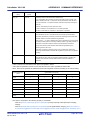
Output file name
APPENDIX A WINDOW REFERENCE
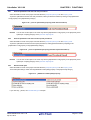
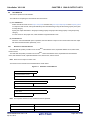
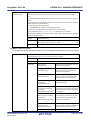
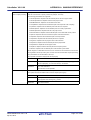
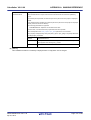
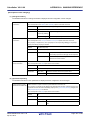
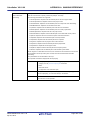
Specify the hex file name.
If the extension is omitted, it is automatically added according to the selection in the [Hex file
format] property.
When [Intel HEX file(-FOrm=Hexadecimal)] is selected: .hex
When [Motorola S-record file(-FOrm=Stype)] is selected: .mot
When [Binary file(-FOrm=Binary)] is selected: .bin
The following placeholders are supported.
%ActiveProjectName%: Replaces with the active project name.
%MainProjectName%: Replaces with the main project name.
%ProjectName%: Replaces with the project name.
This corresponds to the -OUtput option of the rlink command.
This property is displayed only when [Yes] in the [Output hex file] property is selected.
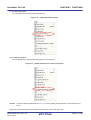
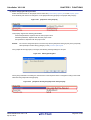
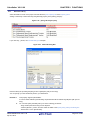
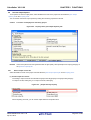
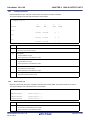
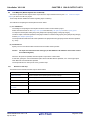
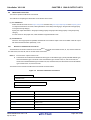
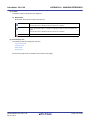
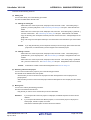
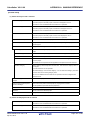
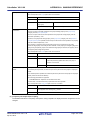
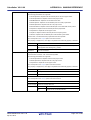
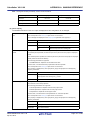
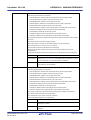
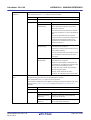
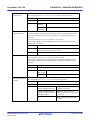
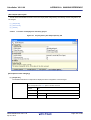
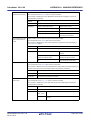
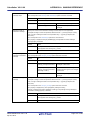
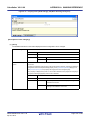
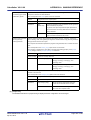
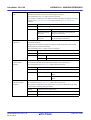
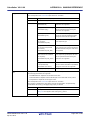
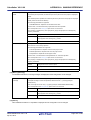
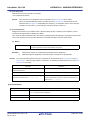
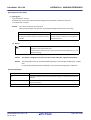
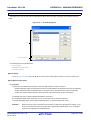
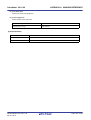
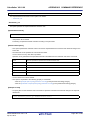
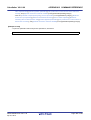
Division output file
Default
%ProjectName%.mot
How to change
Directly enter in the text box.
Restriction
Up to 259 characters
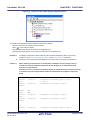
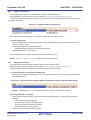
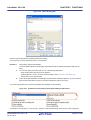
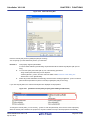
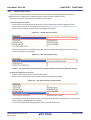
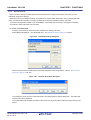
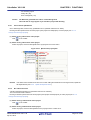
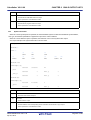
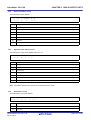
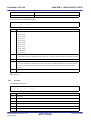
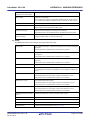
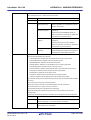
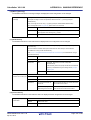
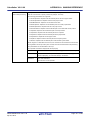
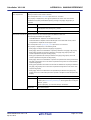
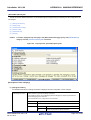
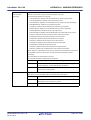
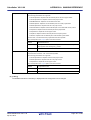
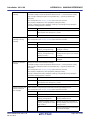
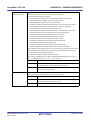
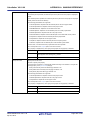
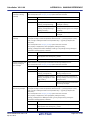
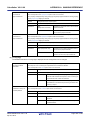
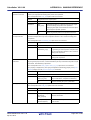
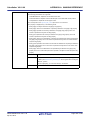
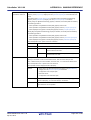
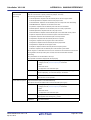
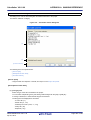
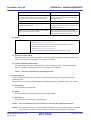
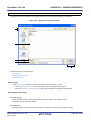
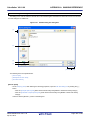
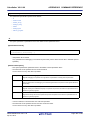
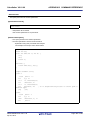
Specify the division output files.
Specify in the format of "file name=start address-end address" or "file name=section name",
with one entry per line.
If multiple section names are specified, delimit them with a colon as in "file name=section
name:section name" (example: file1.mot=sec1:sec2).
Specify the address in hexadecimal (example: file2.mot=400-4ff).
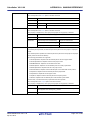
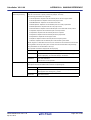
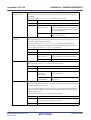
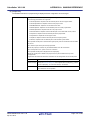
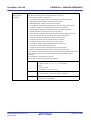
If the extension is omitted, it is automatically added according to the selection in the [Hex file
format] property.
When [Intel HEX file(-FOrm=Hexadecimal)] is selected: .hex
When [Motorola S-record file(-FOrm=Stype)] is selected: .mot
When [Binary file(-FOrm=Binary)] is selected: .bin
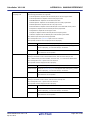
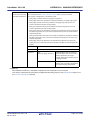
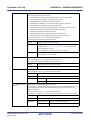
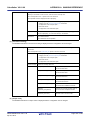
The following placeholders are supported.
%ActiveProjectDir%: Replaces with the absolute path of the active project folder.
%ActiveProjectName%: Replaces with the active project name.
%BuildModeName%: Replaces with the build mode name.
%MainProjectDir%: Replaces with the absolute path of the main project folder.
%MainProjectName%: Replaces with the main project name.
%MicomToolPath%: Replaces with the absolute path of the install folder of this product.
%ProjectDir%: Replaces with the absolute path of the project folder.
%ProjectName%: Replaces with the project name.
%TempDir%: Replaces with the absolute path of the temporary folder.
%WinDir%: Replaces with the absolute path of the Windows system folder.
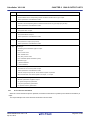
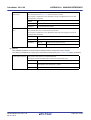
This corresponds to the -OUtput option of the rlink command.
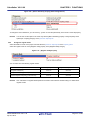
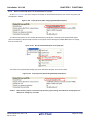
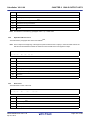
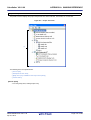
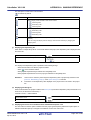
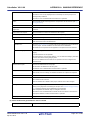
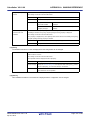
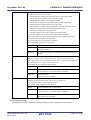
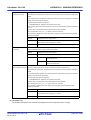
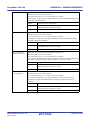
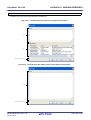
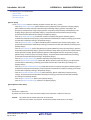
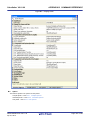
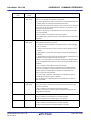
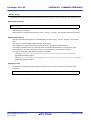
The division output file name is displayed as the subproperty.
This property is displayed only when [Yes] in the [Output hex file] property is selected.
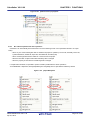
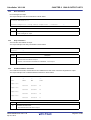
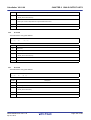
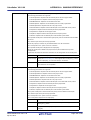
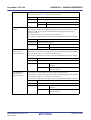
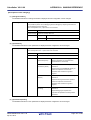
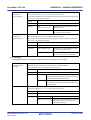
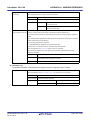
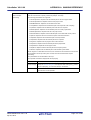
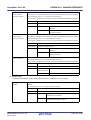
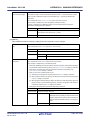
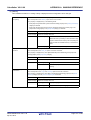
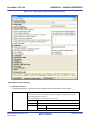
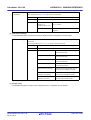
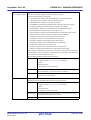
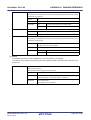
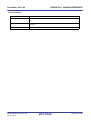
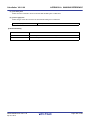
Default
Division output file[number of defined items]
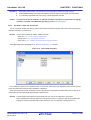
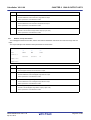
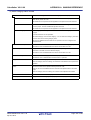
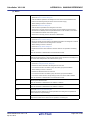
How to change
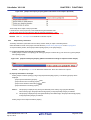
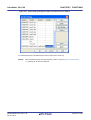
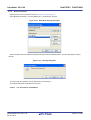
Edit by the Text Edit dialog box which appears when clicking the [...] button.
For the subproperty, you can enter directly in the text box.
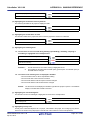
Restriction
Up to 259 characters
Up to 65535 items can be specified.
R20UT2585EJ0100 Rev.1.00
Apr 01, 2013
Page 143 of 485