1
CubeSuite+ V2.01.00
APPENDIX A WINDOW REFERENCE
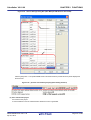
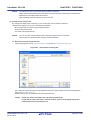
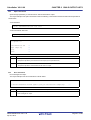
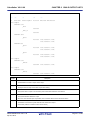
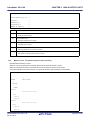
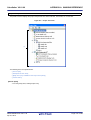
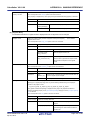
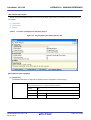
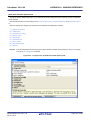
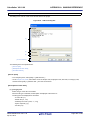
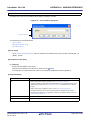
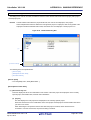
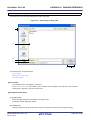
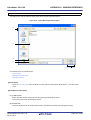
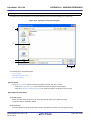
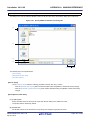
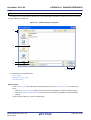
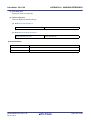
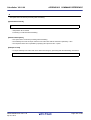
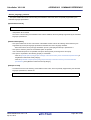
Specify MISRA-C:2004 Rule File dialog box
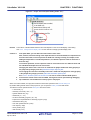
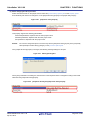
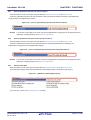
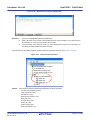
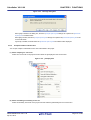
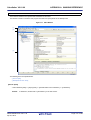
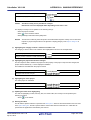
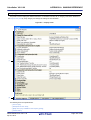
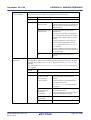
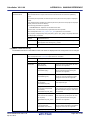
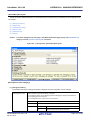
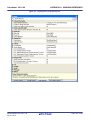
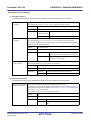
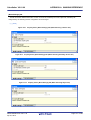
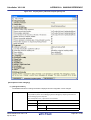
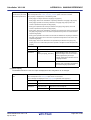
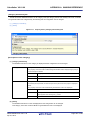
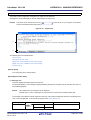
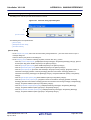
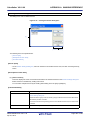
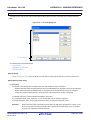
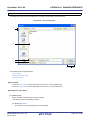
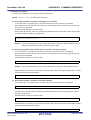
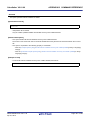
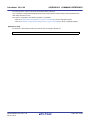
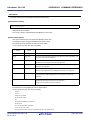
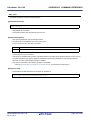
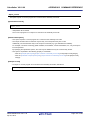
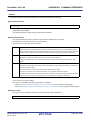
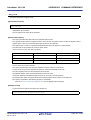
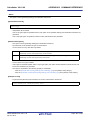
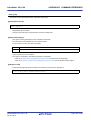
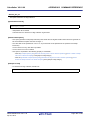
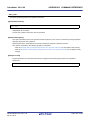
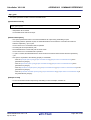
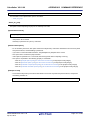
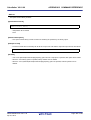
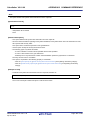
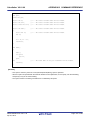
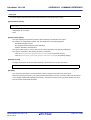
This dialog box is used to select the MISRA-C:2004 rule file and set it to the area that this dialog box is called from.
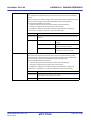
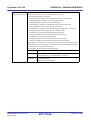
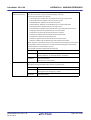
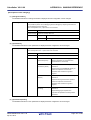
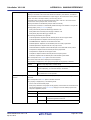
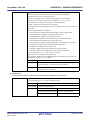
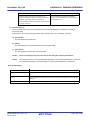
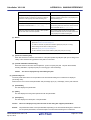
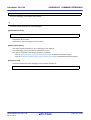
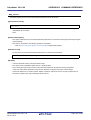
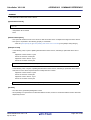
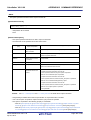
Figure A-46. Specify MISRA-C:2004 Rule File Dialog Box
(1)
(2)
(3)
(4)
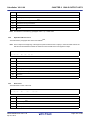
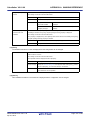
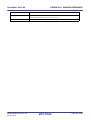
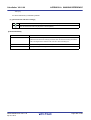
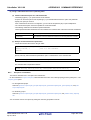
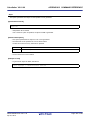
[Function buttons]
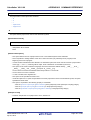
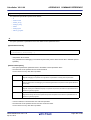
The following items are explained here.
- [How to open]
- [Description of each area]
- [Function buttons]
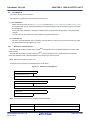
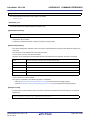
[How to open]
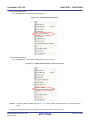
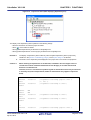
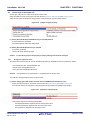
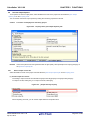
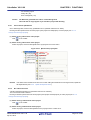
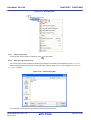
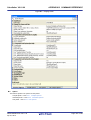
- On the Property panel, select the following properties, and then click the [...] button.
- From the [Compile Options] tab, [Rule number description file] in the [MISRA-C:2004 Rule Check] category
- From the [Individual Compile Options] tab, [Rule number description file] in the [MISRA-C:2004 Rule Check]
category
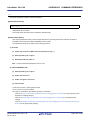
[Description of each area]
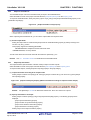
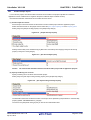
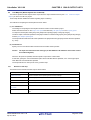
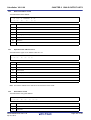
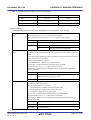
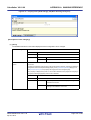
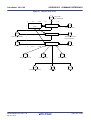
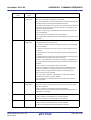
(1) [Look in] area
Select the folder where the file to be set to the area that this dialog box is called from exists.
The project folder is selected by default.
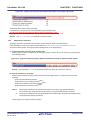
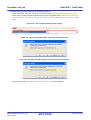
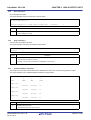
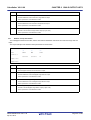
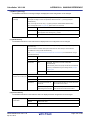
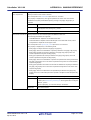
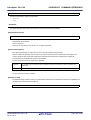
(2) File list area
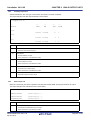
File list that matches to the selections in the [Look in] area and [File of type] area is shown.
R20UT2585EJ0100 Rev.1.00
Apr 01, 2013
Page 307 of 485