1
CubeSuite+ V2.01.00
2.12.5
CHAPTER 2 FUNCTIONS
Compile/assemble/link multiple files simultaneously
If there are multiple build target files, you can compile, assemble, and link all files simultaneously with a single ccrh
command call (hereafter referred to as "simultaneous build").
An image of calling the ccrh command is shown below.
Example When build target files are aaa.c, bbb.c, and ccc.c
- When a build is run simultaneously
>ccrh -Xcommon=v850e3v5 aaa.c bbb.c ccc.c <- "aaa.abs" is generated.
- When a build is not run simultaneously
>ccrh -Xcommon=v850e3v5 aaa.c <- "aaa.obj" is generated.
>ccrh -Xcommon=v850e3v5 bbb.c <- "bbb.obj" is generated.
>ccrh -Xcommon=v850e3v5 ccc.c <- "ccc.obj" is generated.
>ccrh -Xcommon=v850e3v5 aaa.obj bbb.obj ccc.obj <- "aaa.abs" is generated.
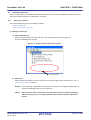
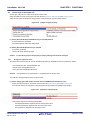
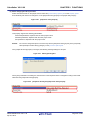
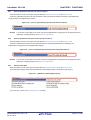
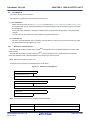
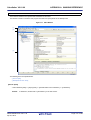
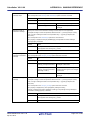
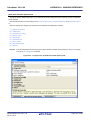
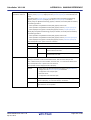
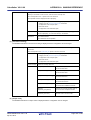
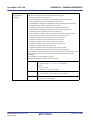
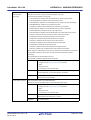
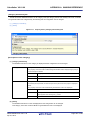
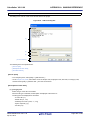
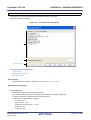
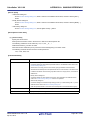
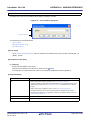
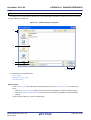
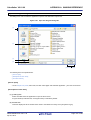
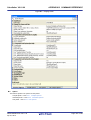
Whether to run a build simultaneously is made with the property.
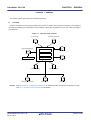
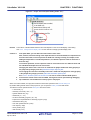
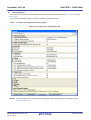
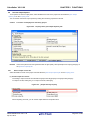
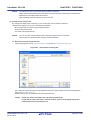
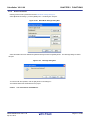
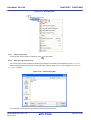
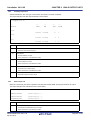
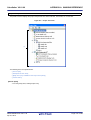
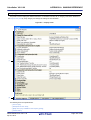
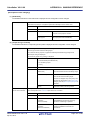
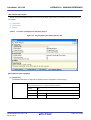
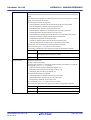
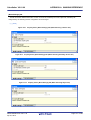
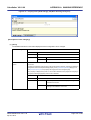
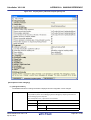
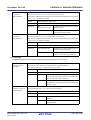
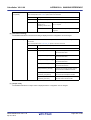
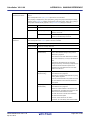
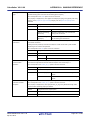
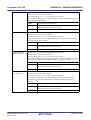
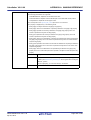
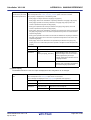
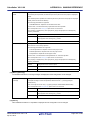
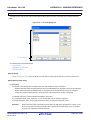
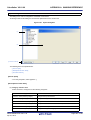
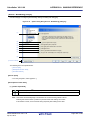
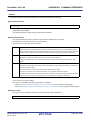
Select the build tool node on the project tree and select the [Common Options] tab on the Property panel.
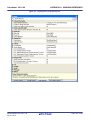
Select [Yes] in the [Build simultaneously] property in the [Build Method] category.
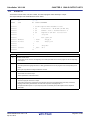
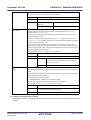
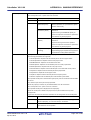
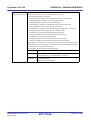
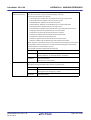
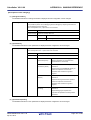
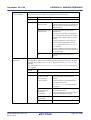
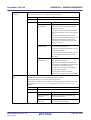
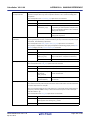
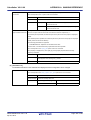
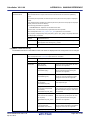
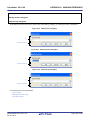
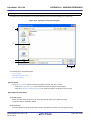
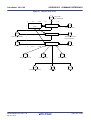
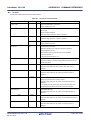
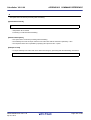
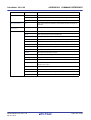
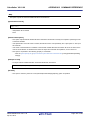
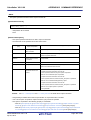
Figure 2-112. [Build simultaneously] Property
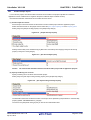
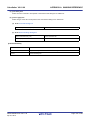
At this time, the [Assemble Options] tab is hidden.
The assembly source file (except the file with the individual options) is assembled using the settings of the [Compile
Options] tab.
Remarks 1.
The build of the files with the individual build options and files to be executed prior to the build is run
simultaneously.
A build of the file that is not targeted for a simultaneous build is run separately.
2.
If the source file is older than the generated object module file or related properties and project or the
like, the object module file will be used for the build instead of the source file.
3.
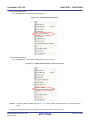
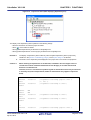
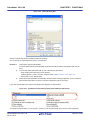
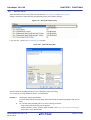
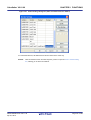
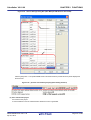
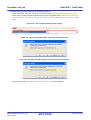
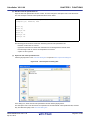
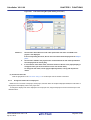
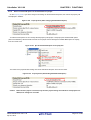
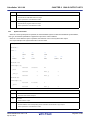
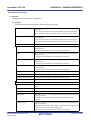
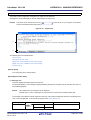
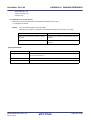
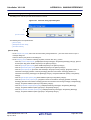
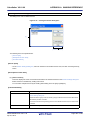
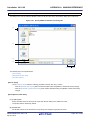
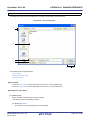
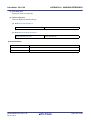
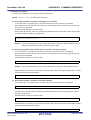
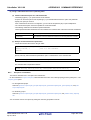
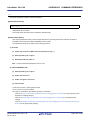
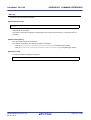
If the [Build simultaneously] property is changed from [Yes] to [No], the following message dialog box
will open.
R20UT2585EJ0100 Rev.1.00
Apr 01, 2013
Page 78 of 485